

Spanish is spoken by more than 500 million people across Spain, Mexico and most of Latin America, so it is one of the languages you are most likely to meet in a photo. A restaurant menu in Madrid, a street sign in Mexico City, a product label from a Spanish supermarket, a screenshot from a Spanish-speaking friend — all of them can leave you guessing if you do not read the language.
The good news is that you no longer need to type the words out one by one. A modern image translator reads the Spanish text straight from the picture and gives you the English version in seconds, keeping the original layout wherever possible. This guide shows you exactly how to translate Spanish text in images to English, with real examples and the mistakes to avoid.
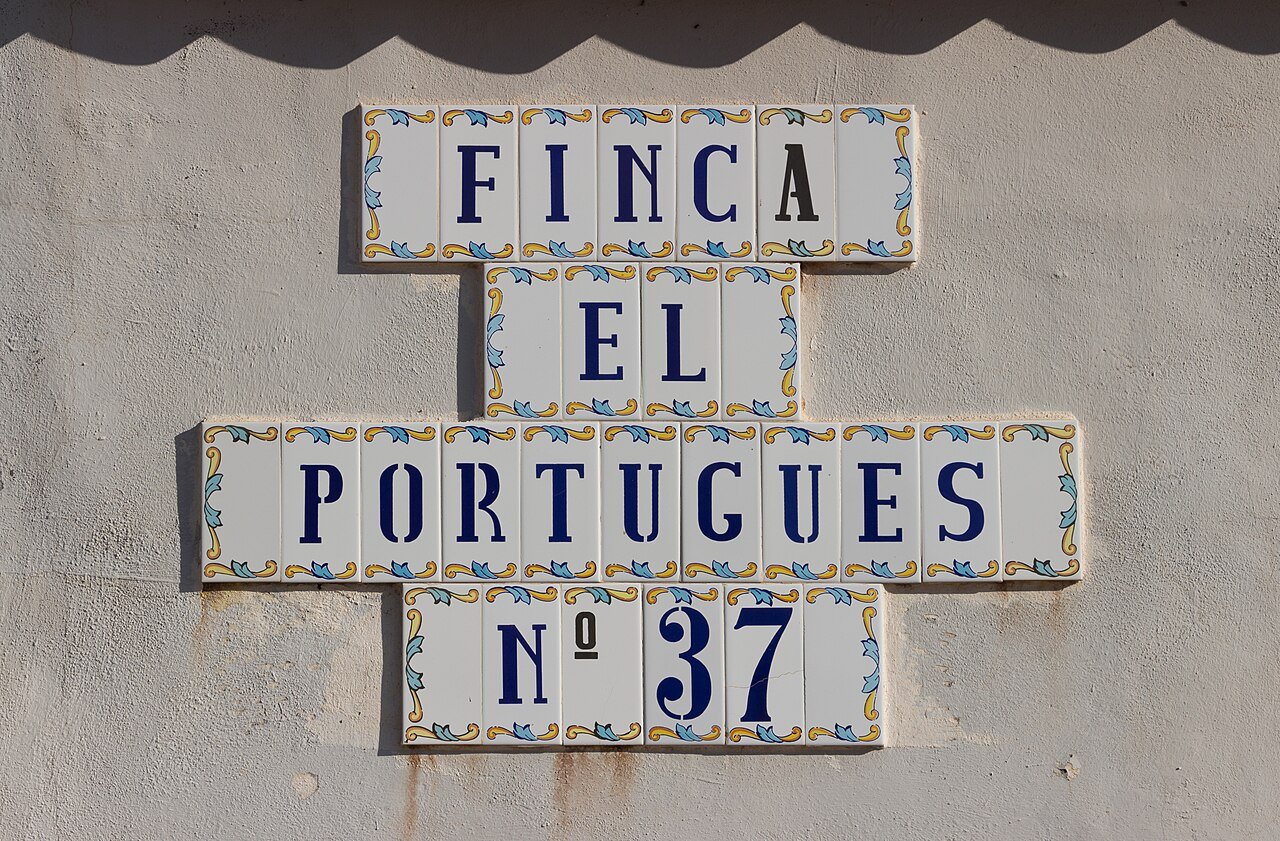
How image translation works
Translating Spanish text from an image happens in two stages. First, optical character recognition (OCR) finds and reads the letters in the photo — including accents such as á, é, í, ó, ú and the letter ñ, which English keyboards do not have. Then an AI translation engine converts the recognised Spanish into natural English, taking the surrounding words into account so that phrases are translated as a whole rather than word by word.
That second stage matters. Spanish is full of phrases that make no sense when translated literally. “Estoy embarazada” does not mean “I am embarrassed” — it means “I am pregnant”. A good image translator understands context, so you get the meaning, not a word salad.
How to translate Spanish text in an image to English: step by step
- Take a clear photo or find the image. Make sure the Spanish text is well lit, in focus and fills as much of the frame as you can. If you are photographing a sign, stand square to it rather than at a sharp angle. Our guide to taking photos that translate accurately covers lighting, angle and resolution in detail.
- Open ImageTranslator. Go to ImageTranslator and upload the image — a JPG, PNG or WEBP file works. There is nothing to install and no account needed.
- Choose Spanish to English. Select Spanish as the source language and English as the target language. If the image mixes Spanish with another language, pick the language that appears most.
- Let the tool read and translate. The OCR stage picks out the text, then the translation appears beside or over the original image, keeping the layout close to the original wherever possible.
- Check the result. Read through the English output before you act on it. For everyday things such as menus and signs this is quick. For anything important — medicine, contracts, safety warnings — double-check the key words, as explained below.
The whole process usually takes under a minute, and it works just as well on a screenshot as on a photo. If you want the general method for any language, see our step-by-step guide to translating text in an image online.
Common Spanish phrases you will meet in photos
These are the words and phrases that appear again and again in Spanish images, and what they mean in English:
- Menú del día — Menu of the day
- La cuenta, por favor — The bill, please
- Salida / Entrada — Exit / Entrance
- Prohibido aparcar — No parking
- Abierto / Cerrado — Open / Closed
- Empujar / Tirar — Push / Pull
- Precaución — Caution
- No fumar — No smoking
- Servicios — Toilets / Restrooms
- Precio por kilo — Price per kilo
Knowing a few of these in advance helps you sanity-check the translation you get back. If “Salida” comes back as anything other than “Exit”, something has gone wrong with the read.
Spanish menus: the most common use case
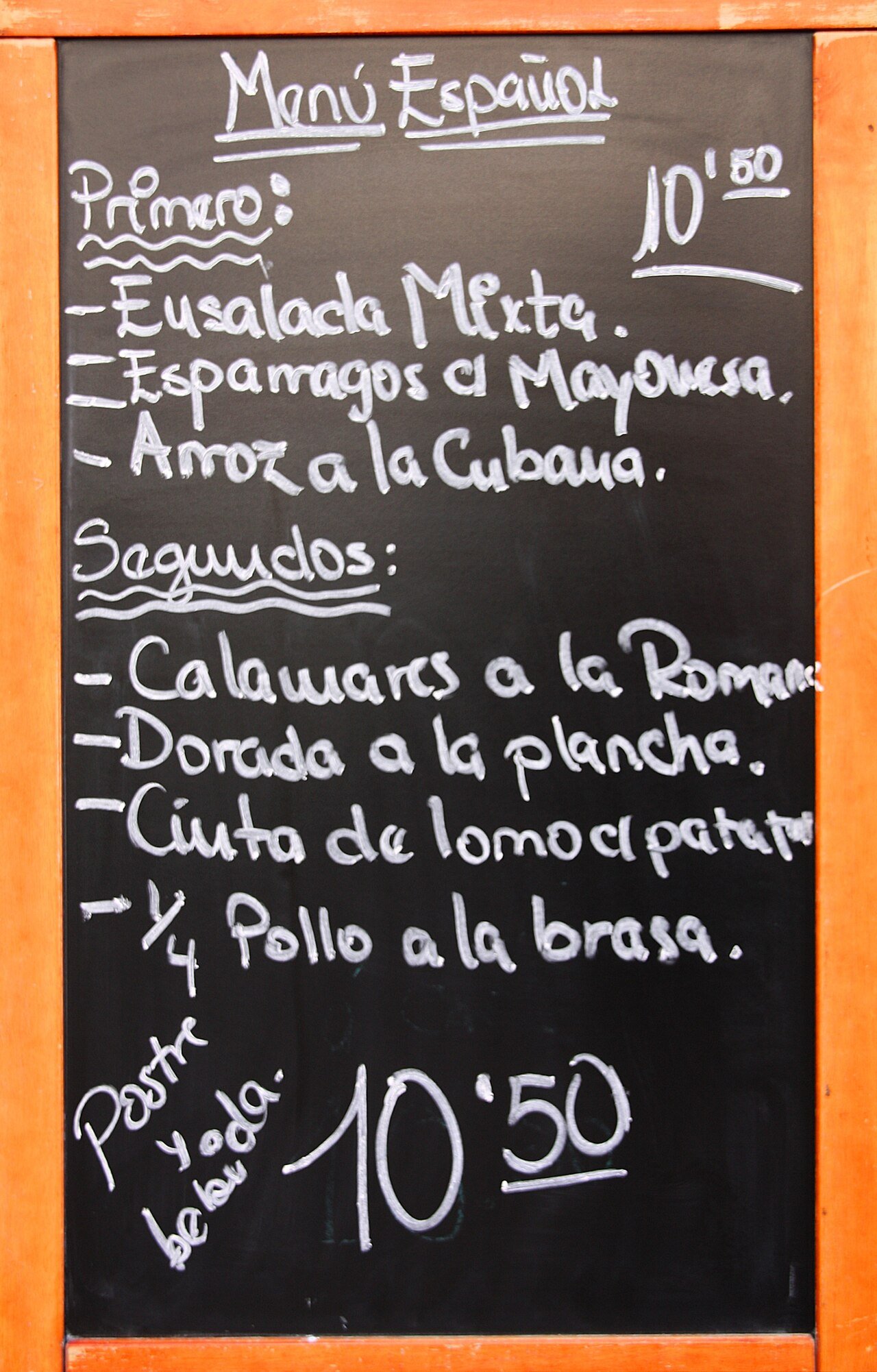
Translating a Spanish menu is probably the single most popular reason people reach for an image translator. Menus are full of local dishes, abbreviations and handwriting on chalkboards, which makes them trickier than a printed sign. A few tips help:
- Photograph the whole board in sections if it is long, rather than one photo from far away. Small text on a chalkboard is the hardest thing for OCR to read.
- Watch out for dish names that should not be translated. “Paella”, “tortilla española” and “gazpacho” are names, not descriptions — a good translation keeps them as they are and translates the ingredients around them.
- Check prices separately. Numbers translate perfectly, but make sure the OCR has not misread a “3” as an “8” on a handwritten board.
We have a dedicated guide to translating a foreign restaurant menu with your phone camera if menus are your main use case.
Street signs, travel and everyday Spanish
Outside restaurants, Spanish text shows up on street signs, airport boards, metro maps, museum plaques and shop windows. The challenges are different: reflective surfaces, text at an angle, and signs photographed while walking. Stand still, get close, and take the photo straight on. If a sign is curved or wrapped around a corner, photograph each part separately.
Travellers should also remember that Spanish varies by country. A “coche” in Spain is a car, but in parts of Latin America people say “carro” or “auto”. “Ordenador” means computer in Spain; in Mexico it is “computadora”. A good translator picks the most natural English equivalent either way, but knowing the variation exists helps you spot the odd mistranslation.
For more on this, see our guide to translating street signs and airport boards while travelling.
Documents, labels and screenshots
Image translation is not just for travel. It also handles:
- Documents and certificates photographed or scanned — birth certificates, diplomas and letters from Spanish-speaking countries. For official use, a certified human translation is still required, but an image translation tells you what the document says first.
- Product labels and ingredient lists — useful for allergies. If a label says “contiene nueces” (contains nuts) or “sin gluten” (gluten-free), you need that right.
- Screenshots — WhatsApp messages, social media posts and web pages in Spanish. Screenshot translation works exactly like photo translation: upload the screenshot and translate it.
If you need to translate a photo from another language entirely, our guide to translating a photo from any language to English in seconds covers the same method for every supported language.
Getting the most accurate translation
Spanish OCR is generally very accurate, but a few things trip it up:
- Accents and the letter ñ. “Año” (year) and “ano” are very different words. If an accent is faint or the image is blurry, check that ñ and accented vowels were read correctly.
- Upside-down punctuation. Spanish uses ¿ and ¡ at the start of questions and exclamations. If these are missing from the result, the sentence may still translate correctly — but their absence can signal a poor read.
- Handwriting. Printed text translates far better than handwriting. Chalkboard menus and handwritten notes will always need a careful check.
- Small or distant text. If the text is less than about a tenth of the image height, move closer and retake the photo.
- Mixed languages. Tourist areas often mix Spanish and English, or Spanish and Catalan. If the result looks confused, crop the image to just the Spanish part and translate that alone.
What to double-check before you rely on a translation
For menus, signs and casual reading, an AI translation is usually all you need. For three situations, take extra care:
- Medicine and health. Dosage instructions and allergy warnings must be exact. Use the image translation to understand the label, then confirm with a pharmacist or a professional translator.
- Legal and official documents. Image translation tells you what a document says, but courts, embassies and employers normally require a certified translation.
- Safety warnings. If a sign says “Peligro” (danger) or “Alta tensión” (high voltage), the meaning is clear — but if the translation of a warning looks uncertain, treat the situation as unsafe until you are sure.
Frequently asked questions
Can I translate Spanish text in an image to English for free?
Yes. ImageTranslator is free to use online — upload the image, choose Spanish to English, and get the translation in seconds with nothing to install.
Does it work on handwritten Spanish?
It can, but printed text is much more accurate. Neat handwriting on a clear photo usually translates well; hurried cursive or a distant chalkboard will need a manual check.
Can I translate a screenshot with Spanish text?
Yes. Screenshots work the same way as photos. Upload the screenshot file and translate it — this is handy for messages, social media posts and app screens in Spanish.
Why did my translation come out wrong?
The most common causes are a blurry or low-resolution photo, text photographed at a sharp angle, glare on the surface, or text that is too small in the frame. Retake the photo closer, straighter and better lit, then try again.
Is Spanish to English image translation accurate?
For everyday text — menus, signs, labels and messages — it is very accurate, because Spanish and English are both well supported by modern translation engines. Accuracy drops on handwriting, damaged text and highly technical or legal language.
The bottom line
Spanish is one of the easiest languages to translate from an image: the alphabet is familiar, the text is usually printed clearly, and translation quality between Spanish and English is excellent. Keep your photos sharp and well lit, check the key words on anything important, and you can read almost any Spanish image in seconds — no dictionary and no typing required.
