

This article is part of our complete guide to image translation for travel. To translate your own picture right now, use our free image translator.
Traveling to a country where you don’t speak the local language can be an exciting experience, but navigating unfamiliar streets, airports, train stations, and public transportation systems can sometimes be challenging. One of the biggest difficulties travelers face is understanding signs and information boards written in an unfamiliar language.
A street sign might tell you the name of a neighborhood, while an airport board may contain important information about gates, baggage claim, departures, arrivals, or security. When you cannot read the language, even a simple sign can become confusing.
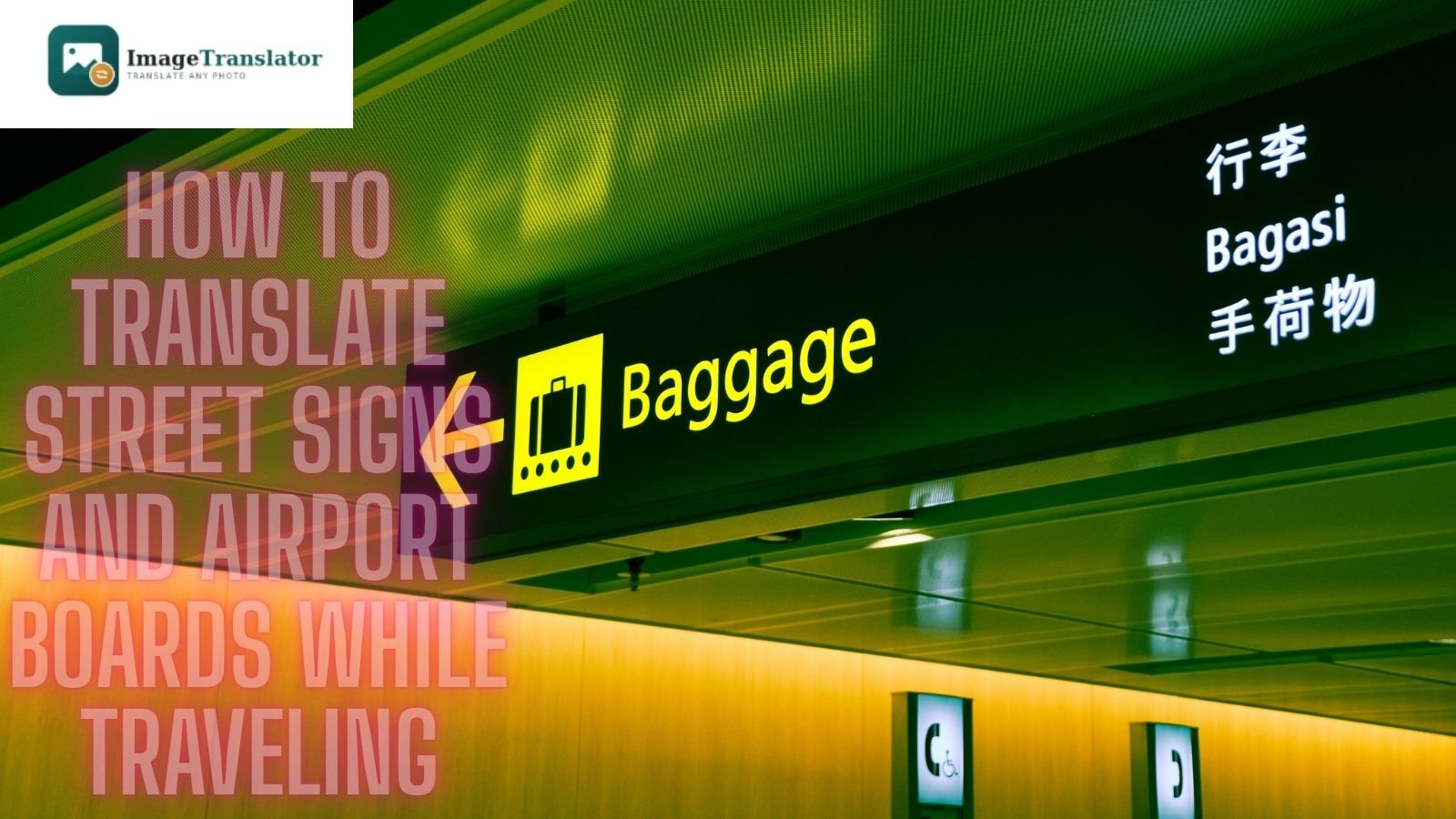
Fortunately, image translation technology can help. Instead of typing unfamiliar words manually, you can take a photo of a street sign, airport information board, or transportation sign and translate the visible text into a language you understand.
In this guide, we’ll explain how to translate street signs and airport boards while traveling, how to get better translation results, and how tools such as ImageTranslator.us can make navigation easier.
Why Translating Signs Is Useful While Traveling
Signs are everywhere when you travel.
You may encounter unfamiliar writing at:
- Airports
- Train stations
- Bus terminals
- Subway stations
- Streets
- Shopping centers
- Hotels
- Tourist attractions
- Parking areas
- Hospitals
- Government buildings
- Restaurants
Even if you know a few common words in the local language, signs may contain abbreviations, place names, directions, or transportation terminology that you don’t recognize.
Image translation allows you to use your phone camera to capture the text and translate it without manually typing everything.
How to Translate a Street Sign with a Photo
One of the easiest ways to understand an unfamiliar street sign is to photograph it.
For example, imagine you’re walking through Tokyo and encounter a street sign written primarily in Japanese. Instead of trying to type the Japanese characters into a translator, you can take a clear picture of the sign.
You can then upload the image to ImageTranslator.us and translate the visible text into your preferred language.
The process is simple:
- Take a clear photograph of the sign.
- Upload the image to ImageTranslator.us.
- Select the language you want.
- Review the translated text.
- Use the information together with your map or navigation app.
This can be particularly helpful when the sign contains unfamiliar characters.
How to Translate Airport Information Boards
Airports can be especially difficult because information changes quickly and signs often contain important travel instructions.
Airport boards may include:
- Flight numbers
- Departure times
- Arrival times
- Gate numbers
- Terminal information
- Baggage claim details
- Check-in counters
- Boarding information
- Security directions
- Immigration information
- Transfer instructions
If an airport board is written in a language you don’t understand, taking a photo can provide a quick way to understand the visible information.
However, airport information can change rapidly. Always compare translated information with the current airport announcements and official displays before making travel decisions.
Step-by-Step: Translate an Airport Sign
Step 1: Take a Clear Photo
Point your phone toward the airport sign or information board.
Try to capture the entire relevant section without cutting off words or numbers.
Step 2: Avoid Reflections
Airport displays can produce glare, particularly when photographed through glass or under bright lighting.
Move slightly to the side or change the angle of your phone if necessary.
Step 3: Upload the Image
Open ImageTranslator.us and upload the photograph containing the airport text.
Step 4: Select Your Target Language
Choose the language you understand best.
For example, travelers who cannot read Japanese can translate Japanese airport signs into English.
Step 5: Check Important Details
Pay special attention to:
- Gate numbers
- Flight numbers
- Terminal numbers
- Times
- Direction arrows
- Baggage information
- Transfer instructions
Numbers and proper names should always be checked carefully against the original display.
Translating Japanese, Chinese, Korean, and Arabic Signs
Travelers often encounter writing systems that are unfamiliar to them.
For example:
Japan: Japanese signs may use kanji, hiragana, and katakana.
China: Signs may use Chinese characters that are difficult to type manually if you don’t know the language.
Korea: Korean signs commonly use Hangul.
Arabic-speaking countries: Directional and public signs may use Arabic script.
Image translation can be useful because you don’t necessarily need to know how to type these scripts.
Simply photograph the text and use an image translation tool to help interpret it.
Use Translation Alongside Maps
Image translation and navigation apps can complement each other.
Suppose you are walking through an unfamiliar city and see a street sign that you cannot read.
You can:
- Photograph the sign.
- Translate it.
- Identify the translated street or location.
- Search for it on your map.
- Confirm your route.
This can be more useful than relying on translation alone because a translated street name can then be matched with your actual location.
Translate Directional Signs
Not every sign tells you the name of a place.
Many signs provide directions.
For example, an airport or train station may contain words meaning:
- Exit
- Entrance
- Platform
- Restroom
- Baggage claim
- Security
- Customs
- Immigration
- Taxi
- Bus
- Train
- Parking
Understanding these terms can make navigating a new location much easier.
If you frequently travel internationally, consider saving translations of common transportation words in your phone for quick reference.
What If a Sign Contains Symbols and Arrows?
Images aren’t limited to words.
Signs often combine text with:
- Arrows
- Icons
- Numbers
- Maps
- Symbols
- Color-coded information
Image translation can help with the text portion, but you should also pay attention to the visual symbols and arrows.
For example, a translated word may tell you “Exit,” while the arrow shows which direction you need to walk.
Never ignore the original visual layout of an important sign.
How to Get Better Translation Results
The quality of your photograph can affect how accurately text is recognized.
Follow these tips for better results.
Take Photos in Good Lighting
Make sure the text is visible and avoid extreme shadows.
Keep Your Camera Steady
A blurry photograph can make individual letters or characters difficult to recognize.
Photograph the Sign Straight-On
Try to avoid extreme angles that distort the text.
Don’t Stand Too Far Away
If the text is small, move closer and capture a sharper image.
Take Multiple Photos
If the sign is large, photograph different sections separately.
Check Numbers Carefully
Flight numbers, platform numbers, gate numbers, dates, and times are especially important. Compare them with the original sign after translation.
Translating Train and Subway Signs
Street signs aren’t the only signs travelers need to understand.
Public transportation systems can be challenging when you’re unfamiliar with the local language.
You may need to understand:
- Station names
- Line names
- Platform numbers
- Direction of travel
- Transfer stations
- Exit numbers
- Ticket instructions
- Service announcements
Photographing a station sign can help you understand unfamiliar text quickly.
However, train schedules and service information can change. Always check current transportation information before boarding.
Translating Hotel and Building Signs
Image translation can also be useful after arriving at your destination.
Hotel buildings, apartment complexes, office buildings, hospitals, and shopping centers may have signs that aren’t available in your preferred language.
If you’re looking for a specific entrance or facility, photographing the sign can help you understand what it says.
This can be particularly useful when you’re staying in a country where English is not widely used.
What About Emergency Signs?
Travelers should be particularly careful with emergency-related information.
Signs may provide directions to:
- Emergency exits
- Hospitals
- Police stations
- Fire exits
- First-aid facilities
- Emergency assembly points
Translation can help you understand these signs, but do not rely solely on machine translation during an emergency.
Learn common emergency symbols and follow instructions from local authorities, airport staff, police officers, or other responsible personnel.
Don’t Rely on Translation Alone for Critical Information
Image translation is a helpful travel tool, but it can make mistakes.
Problems may occur because of:
- Blurry photographs
- Reflections
- Small text
- Unusual fonts
- Damaged signs
- Poor lighting
- Abbreviations
- Multiple languages
- Specialized terminology
If the translated text doesn’t make sense, take another photograph and compare the result with the original.
For critical situations, ask a local official, airport employee, transportation worker, or other qualified person for confirmation.
Save Important Translations for Your Trip
If you know you’ll be visiting a country with an unfamiliar language, you can prepare before leaving.
Consider learning or saving common words for:
- Airport
- Exit
- Entrance
- Train
- Bus
- Taxi
- Platform
- Gate
- Terminal
- Hotel
- Hospital
- Police
- Restroom
You can also keep translated information for your hotel address and destination names on your phone.
This can make it easier to communicate with taxi drivers or ask for directions.
Why ImageTranslator.us Can Be Useful for Travelers
When you’re traveling, typing unfamiliar characters into a traditional translation tool can be inconvenient.
ImageTranslator.us provides an image-based approach: instead of manually entering text, you can start with a photograph.
This makes it useful for situations where you’re standing in front of a street sign, airport board, train station display, or other printed information.
You can visit ImageTranslator.us whenever you need help understanding text contained in an image.
A Quick Travel Sign Translation Checklist
Before relying on a translated sign, check:
- Is the photograph clear?
- Is the entire important section visible?
- Did the translation recognize the text correctly?
- Are numbers and times correct?
- Did you check the original sign?
- Does the translation make sense in context?
- Is the information current?
- Should you confirm it with airport or transportation staff?
These simple checks can reduce the chance of misunderstanding important travel information.
Final Thoughts
Understanding street signs and airport boards is an important part of traveling confidently in another country. When you don’t speak the local language, image translation can turn unfamiliar written information into something much easier to understand.
Whether you’re looking at a Japanese street sign, a Chinese train station board, a Korean subway sign, or an airport display in another language, taking a photograph can be faster than manually typing unfamiliar characters.
ImageTranslator.us can be a useful tool for translating visible text from these images while you’re traveling.
Still, remember that automated translation should be treated as a helpful travel aid rather than the final authority for critical information. For flight changes, emergencies, immigration instructions, safety warnings, or other time-sensitive situations, always verify the information with official airport staff, transportation authorities, or local officials.
With the right combination of image translation, maps, and official travel information, navigating unfamiliar cities and airports can become much easier.
Further Reading
- Wayfinding: how signs and symbols help people navigate public spaces.
- Optical character recognition (OCR): how software reads text from images.
