

This article is part of our complete guide to image translation for travel. To translate your own picture right now, use our free image translator.
Traveling to another country is exciting, but ordering food can sometimes become challenging when you cannot read the local language. A restaurant menu filled with unfamiliar words can leave you guessing what a dish contains, how it is prepared, or even what type of food you are ordering.
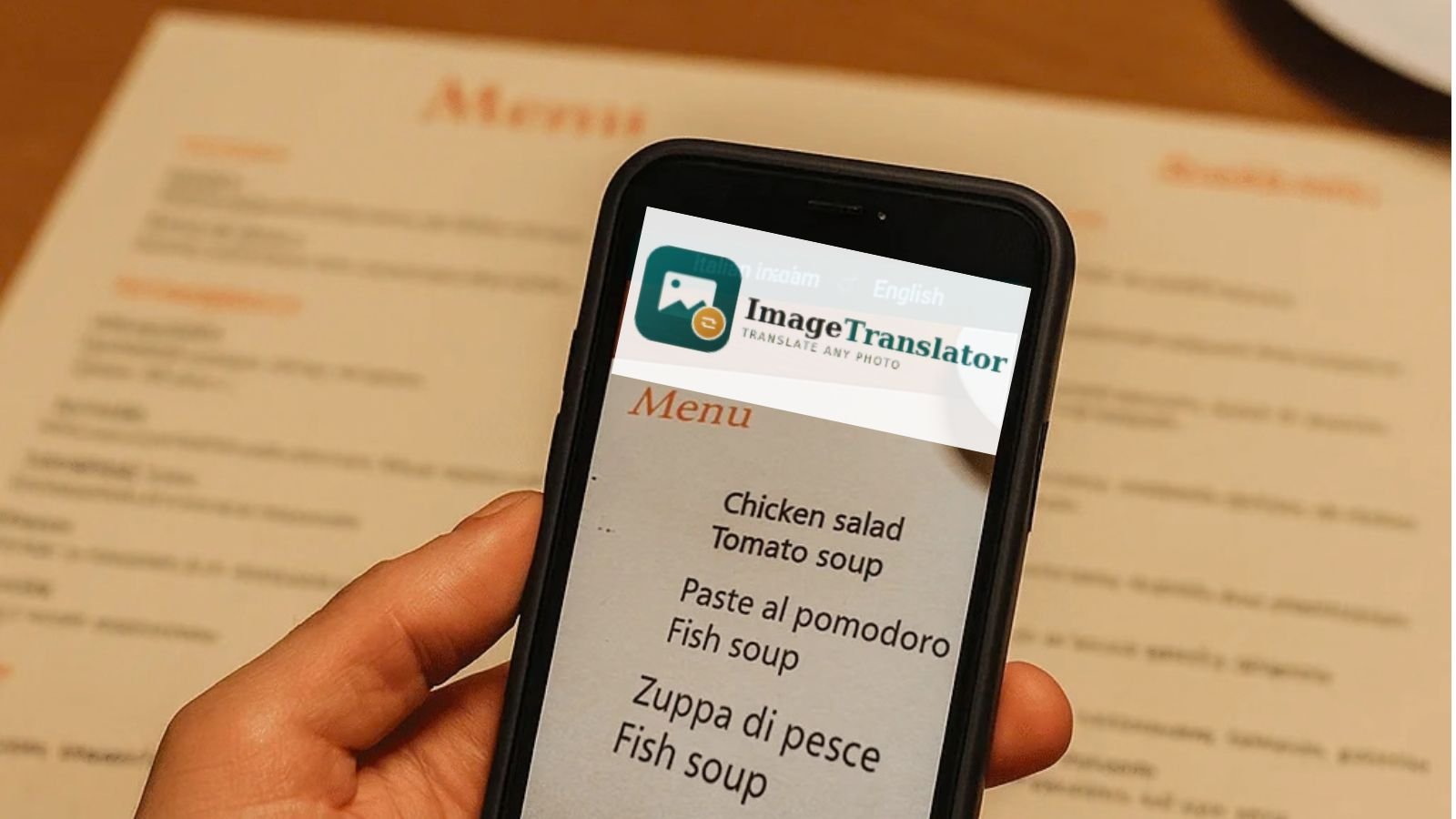
Fortunately, your smartphone can make this much easier. With a phone camera and an image translation tool, you can quickly translate a foreign restaurant menu into a language you understand. Instead of typing every dish manually, you can simply take a picture of the menu and let an image translator read and translate the text for you.
In this guide, we will explain how to translate a foreign restaurant menu with your phone camera, how image translation works, and how to get more accurate results.
Why Translate a Restaurant Menu with Your Phone?
When you are traveling, you may encounter menus written in languages such as Japanese, Chinese, Korean, Arabic, French, Spanish, Italian, German, or Thai. Even if you know a few common words, understanding an entire menu can be difficult.
A camera-based translation tool saves time because you do not have to type unfamiliar words into a traditional translator. You simply capture the menu as an image and translate the text.
This can help you:
- Understand unfamiliar dish names
- Read food descriptions
- Identify ingredients
- Understand menu categories
- Check prices and options
- Translate special offers or meal combinations
- Quickly understand menus while traveling
Modern image translation tools use OCR, or optical character recognition, to identify text inside an image before translating it into another language.
How Does Camera Menu Translation Work?
Camera menu translation usually involves two main steps.
First, the software uses OCR technology to detect and recognize the text inside your photo. It identifies individual characters, words, and sections of text.
Second, the recognized text is translated into your selected language using a machine translation system.
For example, imagine you are visiting a restaurant in Japan and the menu is written primarily in Japanese. You can take a clear photo of the menu, select Japanese as the original language, and choose English as the target language.
The translation tool processes the text and provides the translated version.
Some image translators can also place the translated words directly over the original text in the image, making the menu easier to understand visually.
Step 1: Open Your Phone Camera
Start by opening the camera on your smartphone.
Before taking the picture, make sure the menu is positioned properly. If possible, place the menu flat on the table and hold your phone directly above it.
Try to avoid taking the picture from a sharp angle. Perspective distortion can make it more difficult for OCR software to recognize individual characters correctly.
If the menu is large, do not worry about photographing the entire menu at once. You can take several pictures, one section or page at a time.
Step 2: Take a Clear Picture of the Menu
Image quality is one of the most important factors when translating a restaurant menu.
Make sure the text is:
- Sharp and in focus
- Well lit
- Large enough to read
- Not covered by your hand
- Free from excessive reflections
- Positioned as straight as possible
Avoid blurry photographs because unclear characters can lead to incorrect OCR results. Google also notes that image translation accuracy depends heavily on the clarity of the text.
If you are inside a dark restaurant, move the menu toward a better-lit area if possible. Be careful with flash because reflections from glossy or laminated menus can make parts of the text difficult to recognize.
Step 3: Upload the Menu to an Image Translator
Once you have taken a photo, you can upload it to an online image translation tool.
For example, ImageTranslator.us allows you to upload an image, select the source and target languages, and translate the text contained in the image.
The website supports common image formats such as JPG, PNG, and WEBP. You can drag and drop a photo, browse for an image, or paste an image from your clipboard.
This is especially useful when you already have a photo of the menu saved in your phone’s gallery.
Step 4: Select the Languages
After uploading the menu image, choose the language the menu is written in and the language you want to read.
For example:
Original language: Japanese
Translate to: English
Or:
Original language: French
Translate to: English
If you know the original language, selecting it manually can help avoid confusion with short words or unfamiliar menu terms.
For menus where you do not recognize the language at all, a tool that supports language detection can also be useful.
Step 5: Review the Translation
Once the translation is complete, carefully review the result.
Image translation is extremely useful, but it is not perfect in every situation. Decorative fonts, handwriting, poor lighting, low-resolution photos, unusual characters, and complicated menu layouts can sometimes affect OCR accuracy.
This is particularly important for food ingredients and allergens.
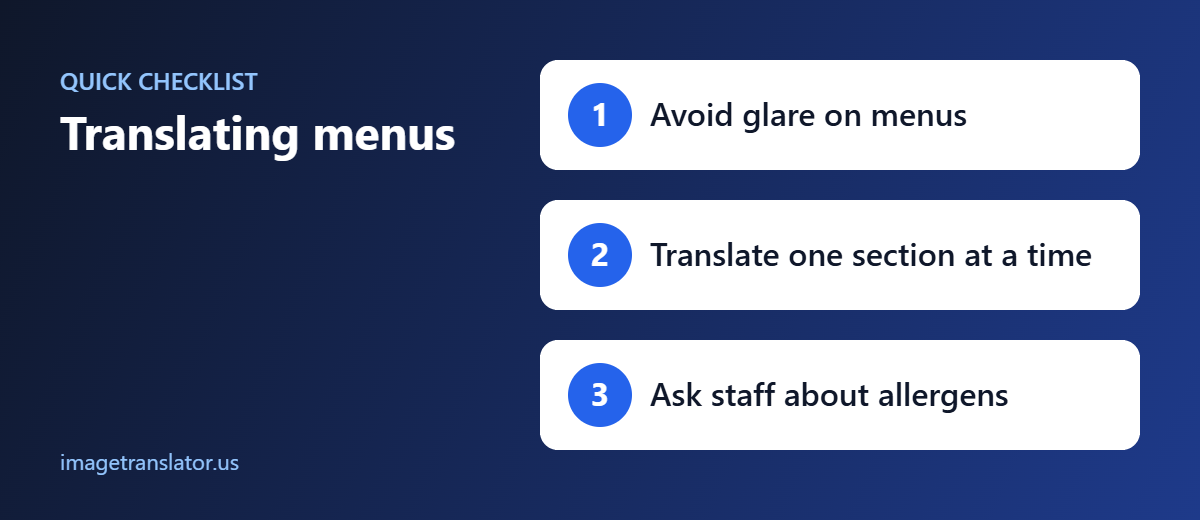
If you have a serious food allergy, do not rely solely on an automatic translation. Confirm important ingredients with restaurant staff before ordering.
For ordinary menu browsing, however, camera translation can save considerable time and make unfamiliar menus much easier to understand.
Tips for Getting Better Menu Translation Results
Photograph One Page at a Time
Instead of photographing a large menu from far away, capture one page or section at a time.
This gives the translation system larger and clearer text to process.
Keep Your Phone Straight
Try to hold your phone parallel to the menu. A straight photo reduces distortion and generally gives OCR software a cleaner view of the characters.
Avoid Glare
Glossy menus can reflect overhead lights and make words disappear from the photograph. Change your position slightly or move the menu to reduce reflections.
Use Better Lighting
Good lighting makes small text easier for your phone camera to capture. If the restaurant is dark, find a brighter area when possible.
Crop Unnecessary Areas
If your photo contains large amounts of table space or unrelated objects, crop the image so the menu text takes up most of the frame.
Check Difficult Words
Names of local dishes do not always have a direct translation. Sometimes a dish name is a proper name rather than a phrase that should be translated literally.
If something looks unusual, consider checking the description or asking the restaurant staff for clarification.
Can You Translate a Menu Directly from Your Phone?
Yes. Many modern phones and translation applications can translate text from images or directly through the camera.
For example, Google Translate supports translating text from images, while iPhone’s Translate app can use the camera to translate text such as restaurant menus and signs.
However, an online image translator can be particularly convenient when you want to upload a saved menu photo and receive a translated version of the image.
With ImageTranslator.us, you can upload your restaurant menu photo, select your languages, translate the image, and download the translated result.
Why Image Translation Is Useful for Travelers
A restaurant menu is just one example of where image translation can help while traveling.
The same technology can be useful for:
- Street signs
- Hotel instructions
- Train station signs
- Product labels
- Museum information
- Store signs
- Food packaging
- Receipts
- Travel documents
Instead of manually typing unfamiliar text, you can use your phone to capture it and translate it.
This makes image translation particularly useful for travelers who frequently move between countries with different languages.
Final Thoughts
Translating a foreign restaurant menu no longer requires guessing what unfamiliar dishes mean. With your smartphone camera and an image translation tool, you can capture the menu, recognize the text, translate it into your preferred language, and understand your food options much more quickly.
For the best results, take a clear, well-lit photograph, keep your phone straight, capture one menu section at a time, and review important information carefully.
If you already have a menu photo saved on your phone, you can upload it directly to ImageTranslator.us and translate the text without manually typing the foreign words.
Whether you are exploring restaurants in Japan, France, Spain, Korea, Thailand, China, or another country, an image translator can turn an unfamiliar menu into information you can actually understand.
Ready to translate a foreign menu? Upload your photo to ImageTranslator.us and get started.
Further Reading
- Food allergy: allergens to ask about when ordering abroad.
- Machine translation: how automatic translation works and where it falls short.
