

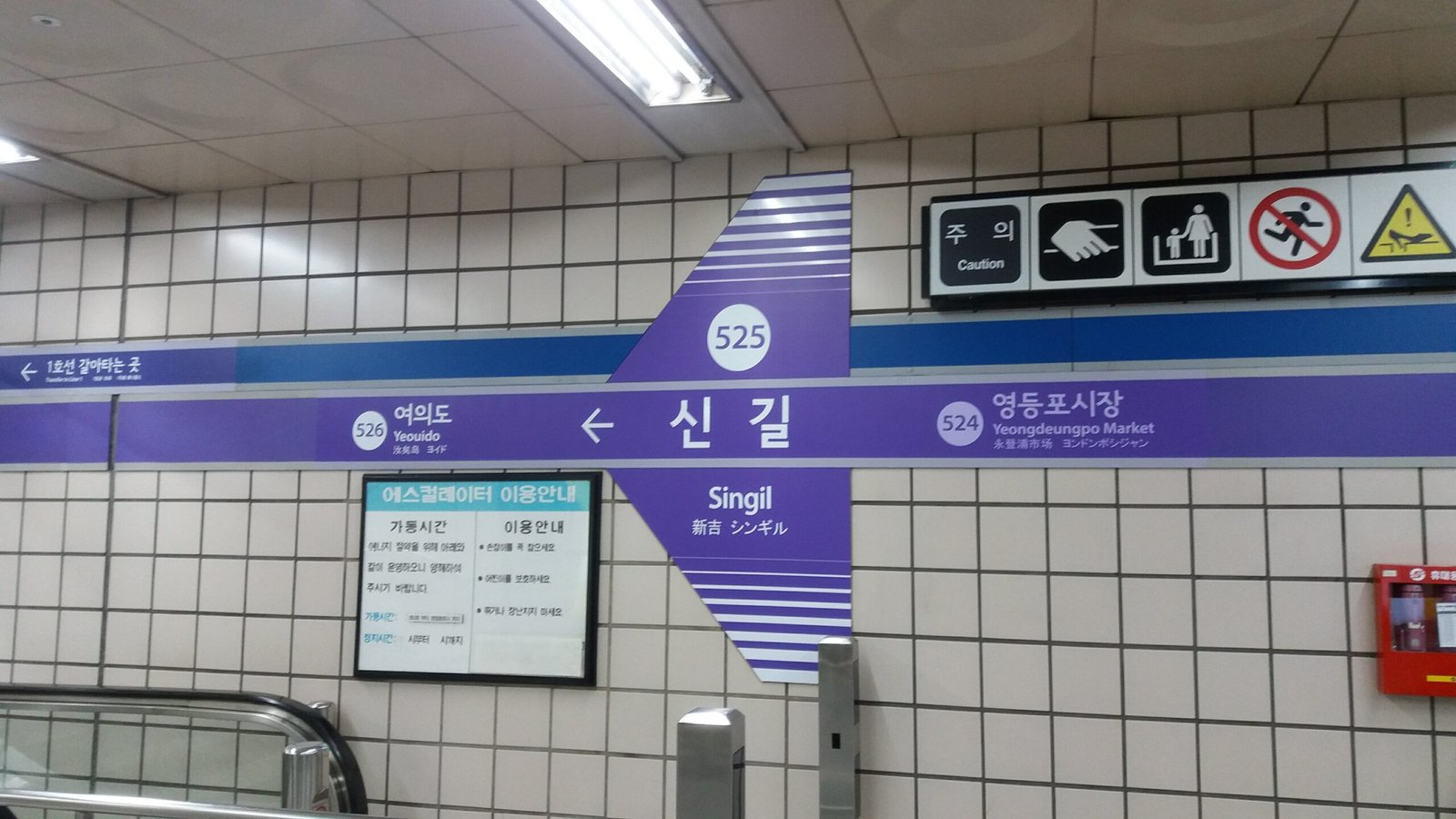
Korean is everywhere once you start looking: a Seoul subway sign, a bibimbap menu with no English, a K-beauty label, a screenshot from a Korean friend. Hangul looks beautiful, but if you cannot read it, a single sign can stop you in your tracks. The good news is that you no longer need to type out unfamiliar characters or guess from pictures. An AI image translator can read Korean text straight from a photo and give you the English meaning in seconds.
This guide shows you how to translate Korean text in images to English, step by step, and how to get accurate results with Hangul’s unique script — including its syllable blocks, mixed English, and handwritten notes.
Why Korean Text in Photos Is Tricky
Korean uses Hangul, an alphabet of 24 letters that combine into syllable blocks. A single block such as 한 (han) packs two or three letters into one square shape. That is elegant, but it creates three problems for translation tools:
- Syllable blocks are easy to split wrong. If the tool reads ㅎ, ㅏ and ㄴ as separate letters instead of one block, the word falls apart.
- Korean mixes scripts. A menu might list 갈비 (galbi) next to “BBQ” and a price in won, while a street sign can pair Hangul with Chinese characters (hanja) and English.
- Spacing works differently. Korean spacing rules are looser than English, so a photo of a sign may run words together in ways a translator must untangle.
A modern AI image translator handles all three because it reads the whole image — layout, blocks and context — instead of recognising one character at a time.
How to Translate Korean Text in an Image to English
Follow these five steps whenever you meet Korean text in a photo:
Step 1: Take a clear photo
Hold your phone steady, fill the frame with the text, and avoid glare. Korean characters have small strokes, so a blurry photo is the most common reason for a wrong translation. If the sign is far away, step closer rather than zooming in.
Step 2: Upload the image to an image translator
Open the ImageTranslator tool at imagetranslator.us and upload your photo. You do not need to type anything — the tool reads the Hangul directly from the image.
Step 3: Set Korean as the source and English as the target
Make sure the source language is Korean and the target is English. If the photo mixes Korean and English, keep Korean as the source; the tool will leave the English parts alone.
Step 4: Check the result against the context
Read the English output and ask whether it fits the situation. A sign outside a restaurant that translates as “open 24 hours” makes sense; the same words on a medicine bottle would not. Context is your best accuracy check.
Step 5: Save or copy the translation
Save the translated image or copy the text. If you are travelling, keep the original photo too — showing it to a local is often faster than explaining.
Everyday Examples: Korean Words You Will Actually Meet
Real examples make the process concrete. Here are common Korean words that appear in photos, with their meanings:
| Korean | Romanisation | English |
|---|---|---|
| 출구 | chulgu | Exit |
| 입구 | ipgu | Entrance |
| 화장실 | hwajangsil | Toilet / restroom |
| 영업 중 | yeongeop jung | Open / in business |
| 휴무 | hyumu | Closed (day off) |
| 매운맛 | maeunmat | Spicy flavour |
| 가격 | gagyeok | Price |
| 주의 | juui | Caution / warning |
| 금지 | geumji | Prohibited |
| 지하철 | jihacheol | Subway |
Try translating a photo of a subway exit sign first — 출구 and 입구 are short, common and easy to verify, so they are a good test of any tool.
Translating Korean Menus, Signs and Labels
Different kinds of photos need slightly different handling:
Restaurant menus. Korean menus often list dishes in Hangul with small photos and prices. Translate the whole page at once rather than dish by dish, so the tool can use the layout — dish names on the left, prices on the right — to keep pairs together. Watch for 매운 (spicy) and 알레르기 (allergy) warnings if you have dietary needs.
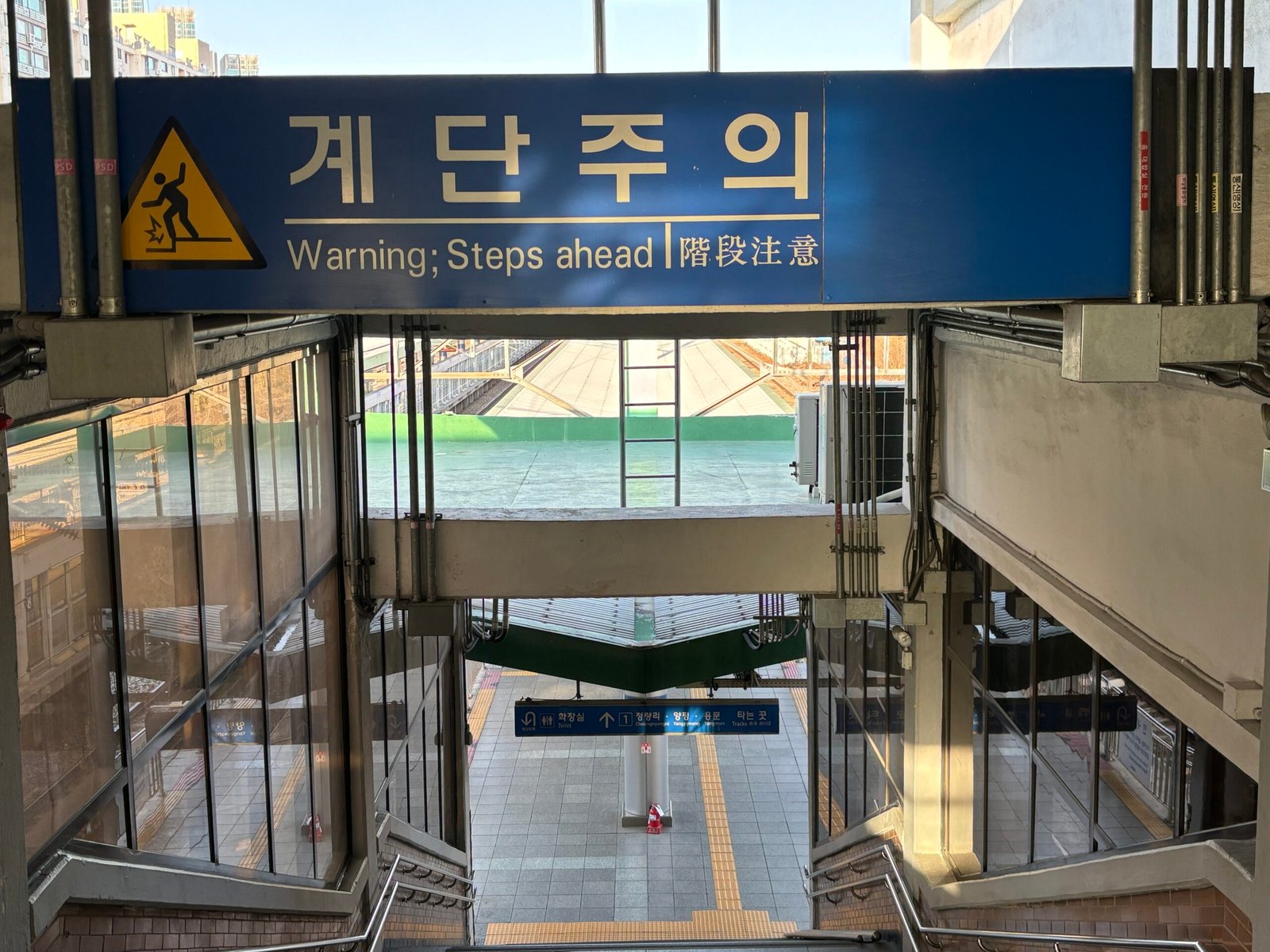
Street and subway signs. Signs are short and use formal words. A station name board shows the station in Hangul, English and often Chinese, which gives you a built-in check: if the English on the sign matches the translation, the tool read the image correctly.
Product labels and K-beauty packaging. Labels mix Korean, English and numbers. Translate the full label, then look for the English ingredient names — they usually survive translation unchanged, which confirms the tool matched the right lines.
Screenshots and chat messages. A screenshot from KakaoTalk or a Korean website is usually sharp, so translation accuracy is high. The main risk is slang and abbreviations, which are common in casual messages — if a word looks odd, translate the full sentence rather than the single word.
Hangul, Handwriting and Mixed Text: What to Watch For
- Handwritten Korean is harder. Cursive Hangul joins strokes together, and personal handwriting varies a lot. If a handwritten note translates badly, retake the photo with better light and try again.
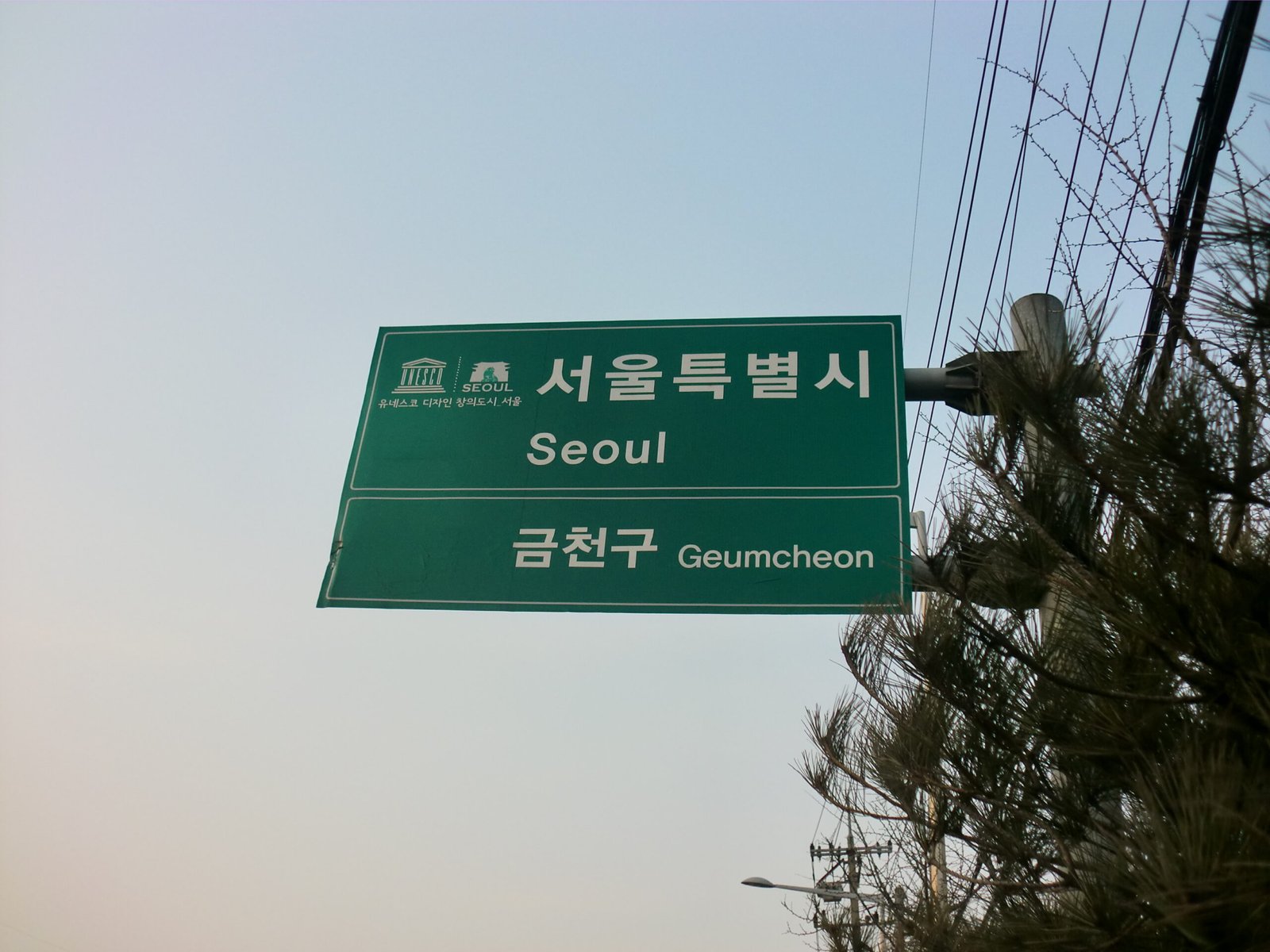
- Hanja can appear alongside Hangul. Older signs and formal documents sometimes use Chinese characters. A good translator recognises hanja in context, but a single hanja character on its own can have several meanings — the surrounding words decide.
- Vertical text still appears. Traditional signs and book spines may run top to bottom. Most AI translators handle rotation, but if the result looks scrambled, rotate the photo so the text reads left to right and try again.
- Numbers and prices need care. Korean prices use 원 (won) and often drop zeros in speech — 만 원 means 10,000 won. Check the digits in the photo yourself rather than trusting the translated number alone.
Korean vs Other Languages: How It Compares
If you have already translated Chinese or Japanese photos, Korean feels familiar — all three use dense characters and mix scripts. The difference is that Hangul is a true alphabet: once you learn its 24 letters, you can sound out any word, even if you do not know its meaning. That makes Korean the easiest of the three to double-check, because you can compare the sounds in the photo with the sounds in the translation.
For more on the other East Asian languages, see our guides to translating Chinese text in images to English and Japanese text in images to English — the photo tips in those guides apply to Korean too.
Common Mistakes When Translating Korean Images
- Photographing at an angle. Perspective skew stretches Hangul blocks and confuses character recognition. Photograph signs straight on whenever you can.
- Translating one word at a time. Single words lose context. Translate the whole sign, menu or label so the tool can use the sentence around each word.
- Ignoring honorifics and politeness. Korean changes word endings by politeness level. A literal translation may sound blunt in English; the meaning is what matters, not the tone.
- Trusting a translation of a medicine label without checking. Dosage and warning labels are the one place to double-check with a pharmacist or a second source — never rely on a single photo translation for health decisions.
Frequently Asked Questions
Can I translate Korean text in a photo to English for free?
Yes. Upload the image to a free AI image translator, set Korean as the source language and English as the target, and you will get the translation in seconds with no typing.
Does the translator work with handwritten Korean?
It works best with printed text. Clear, neat handwriting usually translates well, but fast cursive handwriting can confuse character recognition — retake the photo in good light if the result looks wrong.
How do I translate a Korean menu with no English?
Photograph the full menu page straight on, upload it, and translate it as one image. The tool keeps dish names and prices aligned, and you can look up any dish name that still looks unfamiliar.
Why did my Korean translation come out wrong?
The usual causes are a blurry or angled photo, very small text, or handwriting. Retake the photo closer and straighter, translate the whole sentence instead of one word, and check the result against the context of the sign or menu.
Can I translate Korean screenshots to English?
Yes — screenshots are usually sharp, so they translate accurately. Upload the screenshot the same way as a photo, and watch out for slang or abbreviations in casual chat messages.
Conclusion
Translating Korean text in images to English is a five-step job: take a clear photo, upload it, set Korean to English, check the result against the context, and save it. Hangul’s syllable blocks and mixed scripts make it look hard, but a modern AI image translator reads the whole image at once, so menus, subway signs, labels and screenshots all translate in seconds.
Next time you face a wall of Korean text, do not guess — photograph it and translate it. And if your travels take you elsewhere in East Asia, our guides to Chinese and Japanese image translation will help there too.
