

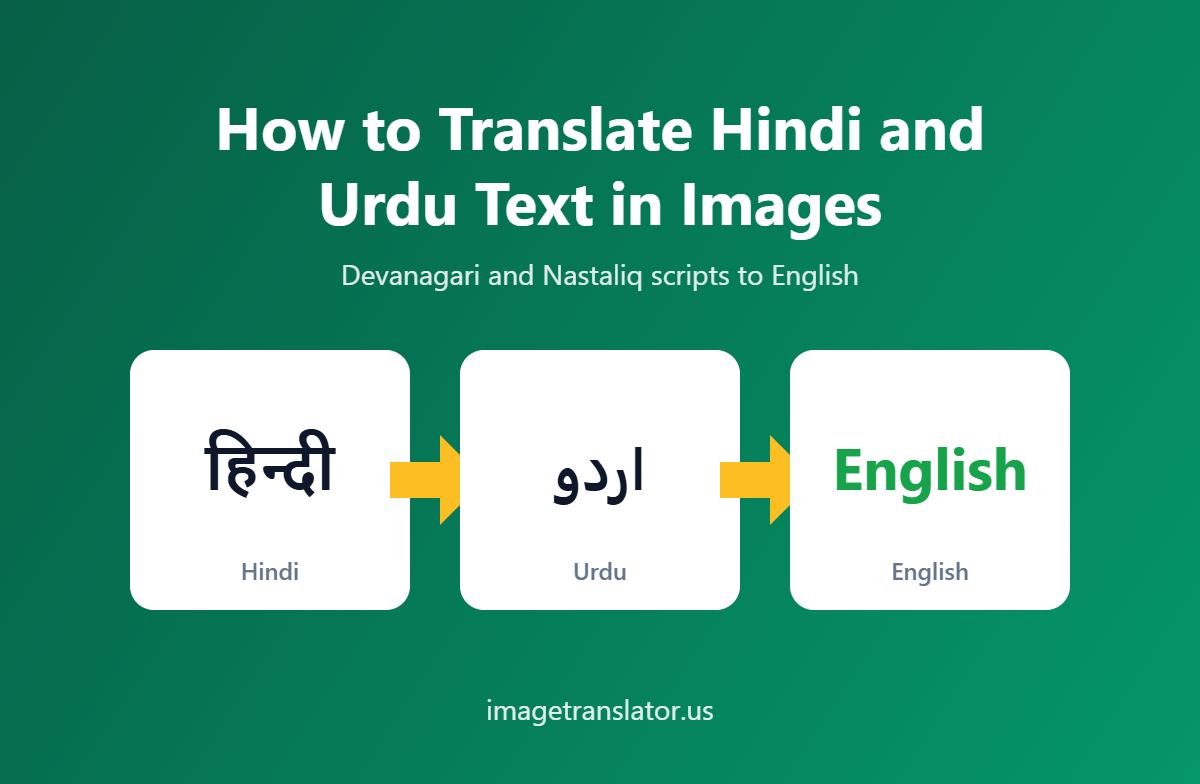
This article is part of our complete guide to translating photos from any language. To translate your own picture right now, use our free image translator.
Images are one of the easiest ways to share information, but understanding an image can become difficult when the text is written in a language you don’t read. Hindi and Urdu are two widely used languages, and you may encounter them in photographs, screenshots, menus, signs, documents, social media posts, product packaging, and scanned pages.
If you need to understand Hindi or Urdu text inside an image, you don’t have to type the entire text manually. Modern image translation tools use Optical Character Recognition (OCR) to detect text in an image and machine translation to convert it into another language.
In this guide, we’ll explain how to translate Hindi and Urdu text in images, how image OCR works, and how you can use an online image translator to quickly understand text from photos and screenshots.
What Is Image Translation?
Image translation is the process of identifying text inside an image and translating it into another language.
For example, suppose you have a photograph containing Hindi text. Instead of copying every word manually, you can upload the image to an image translator. The tool first recognizes the Hindi characters using OCR and then translates the extracted text into English or another selected language.
The basic process is:
Image → Text Recognition (OCR) → Translation → Translated Image
This makes image translation particularly useful when the original text cannot be copied or selected.
Hindi and Urdu Use Different Writing Systems
One of the interesting challenges of translating Hindi and Urdu from images is that they use different scripts.
Hindi is generally written using the Devanagari script. Devanagari has a distinctive horizontal line running across the top of many letters, and characters are combined to form words and syllables.
Urdu, on the other hand, is generally written using a modified form of the Perso-Arabic script and is written from right to left.
Because the scripts are different, an OCR system needs to recognize the appropriate writing system before translation can begin.
For example, an image containing Hindi text should be processed as Hindi rather than Urdu, even if the two languages share some vocabulary. Similarly, selecting Urdu as the source language helps an OCR system correctly interpret Urdu’s right-to-left script.
How to Translate Hindi Text in an Image to English
If you have an image containing Hindi text and want an English translation, the process is straightforward.
Choose a Clear Hindi Image
Start with a photograph, screenshot, scanned page, or other image containing Hindi text.
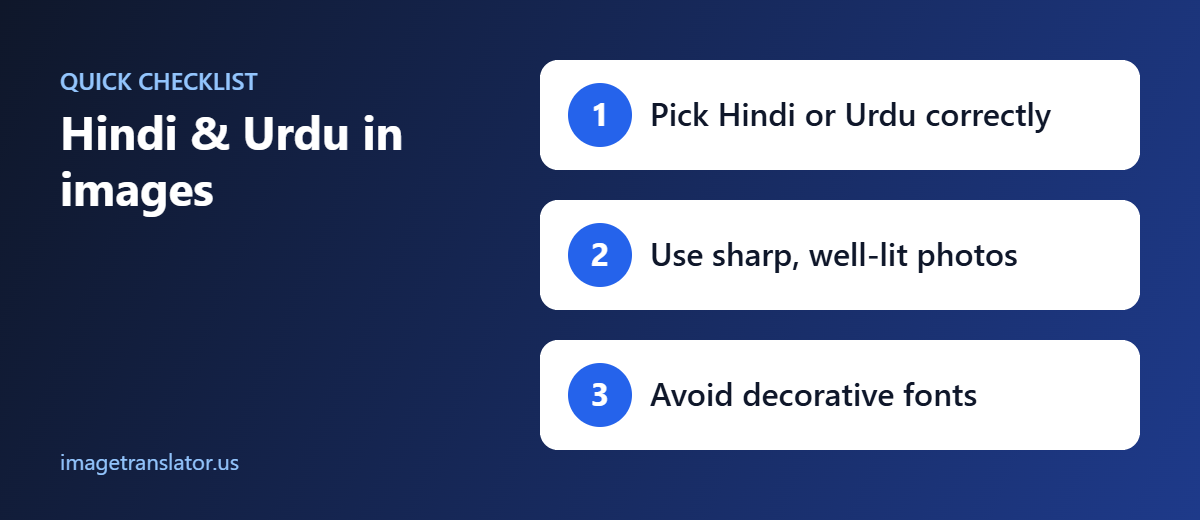
For the best OCR results, use an image where the characters are sharp and easy to distinguish. Avoid excessive blur, glare, shadows, or very small text.
Open an Online Image Translator
Open ImageTranslator.us and upload your Hindi image.
An online image translator eliminates the need to install specialized OCR software. You can use the process directly from a browser.
Select Hindi as the Source Language
Choose Hindi as the language of the original text.
This tells the OCR and translation system what language and writing system to expect in the image.
Select English as the Target Language
Choose English as the language you want to translate the Hindi text into.
You can then start the translation process.
Review the Result
The image translator detects the Hindi text, extracts it, translates it into English, and may place the translated text onto the image.
Review the translation to make sure names, numbers, dates, and other important details have been recognized correctly.
How to Translate Urdu Text in an Image to English
The process for Urdu is similar, although Urdu’s right-to-left writing system presents some additional OCR considerations.
Step 1: Upload Your Urdu Image
Take a clear photograph or screenshot of the Urdu text, or use an existing image from your device.
You can translate Urdu from many types of images, including signs, documents, menus, labels, and screenshots.
Step 2: Select Urdu
Set Urdu as the source language.
Choosing the correct source language is important because Urdu uses a Perso-Arabic writing system and is read from right to left.
Step 3: Choose English
Set English as the target language.
The system can then process the detected Urdu text and translate it into English.
Step 4: Start the Translation
Upload and process the image to allow the OCR and translation system to recognize and translate the Urdu content.
Step 5: Check the Translation
Look over the result carefully, especially if the image contains handwritten text, decorative fonts, low-resolution characters, names, addresses, or numbers.
Common Uses for Hindi and Urdu Image Translation
There are many everyday situations where translating Hindi or Urdu from an image can be useful.
Travel
Travelers may encounter Hindi or Urdu on signs, menus, advertisements, transportation information, and public notices. Taking a photograph and translating it can be much easier than manually entering unfamiliar characters.
Menus and Restaurants
A restaurant menu may contain dishes written in Hindi or Urdu. Image translation allows you to photograph the menu and understand the text without typing it manually.
Documents
Scanned documents and photographs of printed pages can contain valuable information that isn’t available as selectable text. OCR-based image translation can help you understand the contents.
For official, legal, immigration, or other high-stakes documents, however, a professional translation may still be necessary.
Product Packaging
Imported products can contain Hindi or Urdu instructions, ingredients, warnings, or descriptions. Translating the text from a product photograph can make the information easier to understand.
Screenshots
You may receive a screenshot containing Hindi or Urdu text in a message, website, or social media post. Instead of asking someone to retype it, you can translate the screenshot directly.
Social Media
Posts, memes, advertisements, and images shared on social media frequently contain text embedded directly into the image. An image translator can help make this content accessible to readers who don’t understand Hindi or Urdu.
Tips for Better Hindi and Urdu OCR Accuracy
The quality of the original image can have a major impact on the final translation.
Use High-Quality Images
A higher-resolution image gives OCR systems more information to work with. Small or blurry characters can be difficult to distinguish.
Keep Text Straight
Try to take photographs directly in front of the document rather than from a sharp angle. Perspective distortion can make text recognition more difficult.
Improve Lighting
Avoid strong shadows and reflections. Good, even lighting makes Hindi and Urdu characters easier to recognize.
Crop Unnecessary Areas
If the image contains a large amount of background, crop it so the text occupies more of the available image area.
Use Printed Text
Printed Hindi and Urdu are generally easier for OCR systems to process than handwriting. Highly decorative fonts and artistic calligraphy can also reduce recognition accuracy.
Check Important Details
Always pay particular attention to names, phone numbers, dates, addresses, prices, and other specific information. A small OCR error can change the meaning of a number or proper name.
Hindi vs. Urdu Image Translation
Although Hindi and Urdu have significant linguistic similarities, translating their written forms from images involves different OCR requirements.
| Feature | Hindi | Urdu |
| Common script | Devanagari | Perso-Arabic |
| Writing direction | Left to right | Right to left |
| Common text sources | Books, signs, menus, documents | Newspapers, signs, documents, messages |
| OCR consideration | Devanagari character recognition | Connected Perso-Arabic characters |
| Common translation target | English | English |
The most important step is to select the correct source language before processing the image.
Why Use an Image Translator Instead of Typing?
Manually typing Hindi or Urdu can be inconvenient if you don’t have the appropriate keyboard configured. It is even more difficult when the original text exists only in a photograph.
Image translation removes this extra step.
Instead of:
Image → Manually type text → Copy text → Translate
you can use:
Image → OCR → Translation
This is particularly useful when you need to translate several images or when the original text contains characters that are difficult to enter manually.
Can You Translate Hindi and Urdu Handwriting?
Handwritten text is generally more difficult to recognize than clean, printed text. Handwriting styles vary significantly from person to person, and Urdu handwriting can contain connected characters and individual writing styles.
If you’re translating handwriting, use the clearest image possible and carefully review the extracted text.
For important documents, consider having the result checked by someone who can read the original language.
Translate Hindi and Urdu Images Online
Whether you’re traveling, studying, working with documents, or simply trying to understand a screenshot, an online image translator can make Hindi and Urdu content much easier to access.
With ImageTranslator.us, you can upload an image, select the original language, choose your desired translation language, and process the image without manually typing the text.
The basic workflow is simple:
Upload your image → Select Hindi or Urdu → Select English → Translate → Review the result
From Hindi signs and restaurant menus to Urdu documents and social media screenshots, image translation provides a convenient way to understand text that would otherwise be difficult to copy or read.
If you have a Hindi or Urdu image that you need to understand, try ImageTranslator.us and translate the text directly from your image.
Further Reading
- Devanagari: the script used to write Hindi.
- Nastaliq: the calligraphic style used for Urdu.
