

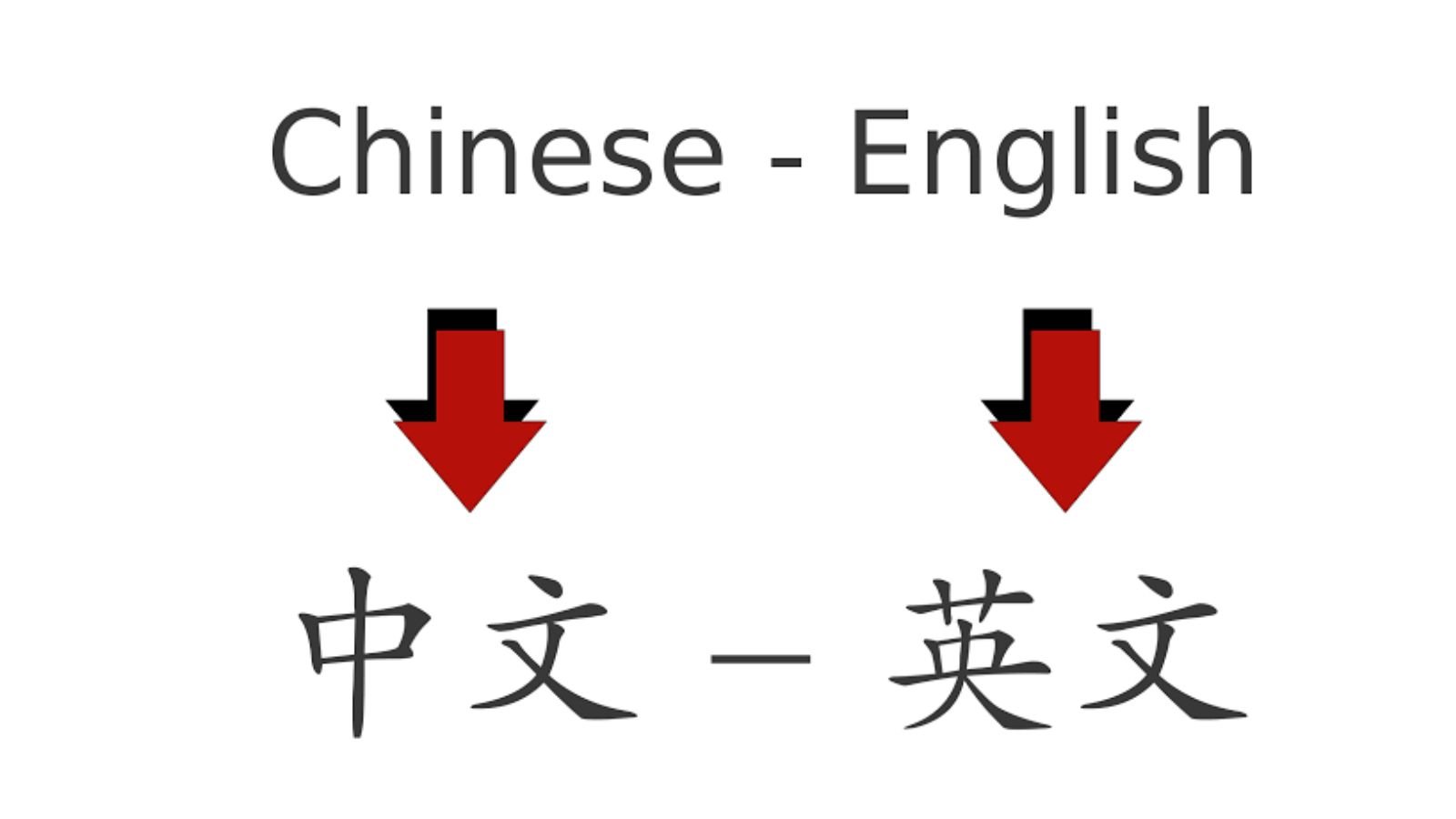
This article is part of our complete guide to translating photos from any language. To translate your own picture right now, use our free Chinese to English image translator.
Chinese text appears everywhere, from product packaging and restaurant menus to documents, street signs, screenshots, advertisements, and social media posts. If you don’t read Chinese, understanding text inside an image can be difficult because manually typing Chinese characters into a translator is often inconvenient.
The good news is that modern OCR and AI-powered image translation tools can recognize Chinese characters directly from an image and translate them into English.
Whether you are traveling in China, shopping online, studying Chinese materials, communicating with someone, or researching a product, translating Chinese text from an image can save time and make unfamiliar content easier to understand.
In this guide, you’ll learn how to translate Chinese text in images to English, how image translation works, how to get better results, and how to use ImageTranslator.us for the process.
Why Translate Chinese Text from Images?
Chinese characters can be difficult to enter manually if you don’t have a Chinese keyboard or don’t know how to type the characters.
For example, you might have a photograph containing Chinese text on:
- A restaurant menu
- Product packaging
- A street sign
- A Chinese document
- A shopping website screenshot
- A social media post
- A business card
- A product label
- A textbook
- A PDF screenshot
- A Chinese advertisement
Instead of trying to identify and type every character, image translation lets you work directly from the image.
The process generally combines OCR (Optical Character Recognition) with machine translation. OCR identifies the Chinese characters, while the translation system converts the recognized text into English.
Can You Translate Chinese Images into English?
Yes. Chinese text contained in an image can be translated into English using an image translation tool.
The basic process is:
Chinese image → Text recognition → Chinese text → English translation
The tool first analyzes the image and attempts to identify the characters. It then processes the recognized text and produces an English translation.
The quality of the result depends on factors such as image resolution, font style, lighting, image orientation, and the complexity of the Chinese text.
How to Translate Chinese Text in an Image to English
One of the easiest ways to translate Chinese image text is to use ImageTranslator.us.
Step 1: Find Your Chinese Image
Start with the image containing the Chinese text you want to understand.
It could be a photograph, screenshot, scanned document, menu, product label, or another image.
Make sure you have permission to use the image when appropriate, especially for copyrighted or private material.
Step 2: Upload the Image
Open ImageTranslator.us and upload the image containing the Chinese characters.
Try to use the clearest version of the image available.
If the text is extremely small, consider cropping the image so that the Chinese text occupies more of the available space.
Step 3: Choose English as the Target Language
Select English as the language you want the Chinese text translated into.
If the source language is detected automatically, review the detected language before continuing when the option is available.
Step 4: Let the Tool Recognize the Chinese Text
The image translation system processes the image and identifies the Chinese characters.
This is the OCR stage of the process.
The system may recognize traditional or simplified Chinese depending on the image and the technology being used.
Step 5: Review the English Translation
Read through the translated result carefully.
Pay attention to names, numbers, measurements, addresses, product specifications, and other details that may be important to you.
You can then use the translated information to understand the original image.
Simplified Chinese vs. Traditional Chinese
One important thing to understand is that Chinese is commonly encountered in two written forms: Simplified Chinese and Traditional Chinese.
Simplified Chinese is widely used in mainland China and Singapore.
Traditional Chinese is commonly used in places such as Taiwan and Hong Kong, although language usage can vary by context and location.
The characters may look different even when they represent the same or closely related words.
A good image translation tool should be able to work with Chinese characters in different visual forms, but image quality still matters.
How to Translate Chinese Restaurant Menus
Chinese restaurant menus are a common reason travelers need image translation.
A menu might contain Chinese names for:
- Noodles
- Rice dishes
- Dumplings
- Soups
- Seafood
- Vegetables
- Meat dishes
- Desserts
- Drinks
Instead of photographing the entire restaurant menu from a distance, take a clear photo of the relevant section.
If the menu contains many dishes, crop individual sections and translate them separately.
This can make the Chinese characters easier for OCR systems to recognize.
Check Food-Related Information Carefully
Machine translation can help you understand a menu, but don’t rely on it alone when you have serious food allergies or dietary restrictions.
If an ingredient is critical to your health or safety, confirm it with restaurant staff or another reliable source.
How to Translate Chinese Product Labels
Chinese product packaging often contains useful information about:
- Ingredients
- Instructions
- Product specifications
- Manufacturing information
- Warnings
- Storage conditions
- Usage instructions
- Sizes and measurements
If you’re purchasing products from a Chinese seller, you can photograph or screenshot the Chinese packaging and translate the visible text into English.
This can help you understand the product before making a purchasing decision.
For important safety, medical, regulatory, or technical information, however, verify the translation with an appropriate professional or authoritative source.
Translate Chinese Screenshots
You don’t necessarily need a physical photograph.
Screenshots can also contain Chinese text.
For example, you may have a screenshot from:
- A Chinese website
- A mobile application
- An online marketplace
- A social media platform
- A video
- An online discussion
Save the screenshot and upload it to an image translation tool.
This can be much easier than manually copying individual Chinese characters.
How to Translate Chinese Street Signs
Travelers may encounter Chinese characters on:
- Street signs
- Subway signs
- Train stations
- Bus stops
- Buildings
- Tourist attractions
- Shopping districts
Taking a photograph allows you to translate the visible text without knowing how to type Chinese characters.
For navigation, combine the translation with a map application so you can confirm the location.
Always double-check important directions and transportation information with official signs or local staff.
How to Get More Accurate Chinese Image Translations
The quality of the source image has a major impact on OCR.
Follow these tips to improve your results.
Use a High-Resolution Image
Higher-quality images generally provide more recognizable character details.
Avoid heavily compressed screenshots or extremely small images when possible.
Keep the Image Sharp
Avoid photographs with motion blur.
Hold your phone steady and make sure the characters are in focus.
Use Good Lighting
Strong shadows and reflections can make Chinese characters difficult to recognize.
Use even lighting whenever possible.
Photograph Text Straight-On
If you’re photographing a sign or document, try to keep the camera parallel to the surface.
Extreme angles can distort the characters.
Crop Unnecessary Areas
If only one paragraph needs translation, crop the image around that paragraph.
This gives the OCR system a clearer view of the relevant text.
Avoid Covering Characters
Make sure your fingers, reflections, stickers, or other objects aren’t covering parts of the Chinese text.
What If the Chinese Translation Looks Wrong?
No image recognition system is perfect.
Errors can happen when:
- Characters are handwritten
- The image is blurry
- The font is unusual
- Text is extremely small
- The image contains decorative lettering
- Characters overlap other graphics
- The photograph is taken at an angle
- There is insufficient lighting
- Text is partially hidden
If the result looks incorrect, try uploading a better image.
You can also crop the Chinese text and translate smaller sections individually.
If the information is important, compare the translation with the original Chinese text or ask someone who understands Chinese to verify it.
Translating Chinese Names and Addresses
Names and addresses require special attention.
A Chinese person’s name may not translate into English in the same way as ordinary Chinese vocabulary. Similarly, a place name may have an established English rendering rather than a literal translation.
If you’re translating:
- A Chinese business card
- A shipping address
- A passport-related document
- A company name
- A person’s name
don’t automatically assume that the generated English wording is the official form.
For important documents, verify names and addresses against an authoritative source.
Can Image Translation Translate Chinese Handwriting?
Handwritten Chinese is generally more difficult for OCR systems than clear printed text.
The result depends heavily on how readable the handwriting is.
If you’re trying to translate handwritten Chinese:
- Photograph it in good lighting.
- Keep the camera steady.
- Capture the entire character.
- Crop the writing if necessary.
- Try multiple images if the first result is unclear.
- Ask a fluent Chinese speaker to verify important information.
For historical documents, handwritten notes, or highly stylized writing, professional human translation may be more appropriate.
Translate Chinese Documents Carefully
Image translation can help you understand Chinese documents, but important documents deserve additional care.
Examples include:
- Contracts
- Certificates
- Legal documents
- Immigration documents
- Academic records
- Financial documents
- Medical records
An automated translation can be useful for getting the general meaning, but official organizations may require a certified or human translation.
If you’re submitting a document to a government agency, university, court, employer, or other institution, check that organization’s translation requirements before relying on an AI-generated translation.
Why Use ImageTranslator.us for Chinese Images?
Typing Chinese characters manually can be inconvenient if you don’t know the language.
ImageTranslator.us offers an image-based approach that lets you start with the image itself.
You can use it for many everyday situations, including translating Chinese:
- Menus
- Screenshots
- Signs
- Product labels
- Documents
- Business cards
- Photos
- Instructions
The process is particularly useful when you can see Chinese text but don’t know how to enter the characters into a conventional translator.
A Quick Chinese-to-English Image Translation Checklist
Before translating a Chinese image, check the following:
- Is the image clear?
- Are the Chinese characters large enough to read?
- Is the image properly focused?
- Is the lighting good?
- Is the text partially covered?
- Should you crop the image?
- Are you translating simplified or traditional Chinese?
- Did the translation preserve names and numbers correctly?
- Does the English result make sense in context?
- Does important information need human verification?
These checks can significantly improve your experience with image-based translation.
Final Thoughts
Translating Chinese text in images to English doesn’t have to involve manually typing unfamiliar characters. With OCR and AI-powered image translation, you can start with a photograph or screenshot and quickly turn visible Chinese text into English.
Whether you’re translating a restaurant menu, product label, street sign, business card, document, or website screenshot, ImageTranslator.us can be a convenient starting point for understanding the text contained in an image.
For everyday information, image translation can save considerable time. For important legal, medical, financial, immigration, or safety-related information, however, always verify the translation with a qualified person or authoritative source.
The better your original image, the better your chances of getting a useful translation. Take clear photographs, crop text when necessary, check names and numbers carefully, and use the translated result together with the original image for the most reliable understanding.
Further Reading
- Simplified Chinese characters: the script used in mainland China and Singapore.
- Traditional Chinese characters: the script used in Taiwan and Hong Kong.
