
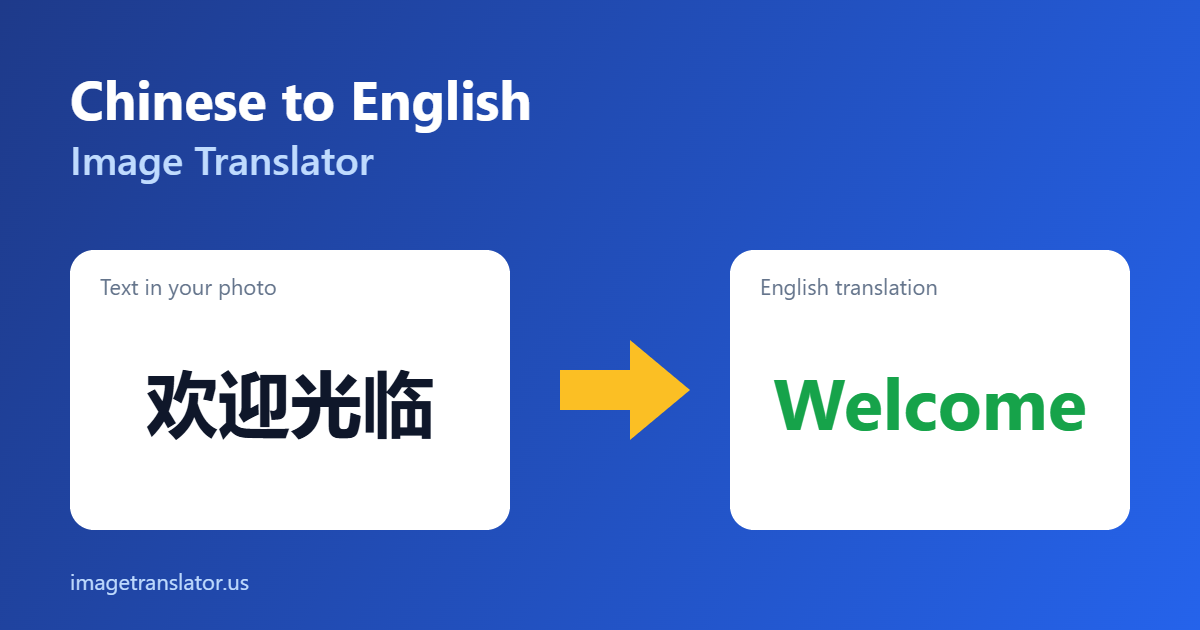
Have a photo of Chinese text on a product, manual, sign or screenshot? Upload it below and our free Chinese to English image translator will read the characters and translate them into English in seconds. No account needed.
Chinese to English Photo Translator
Upload a photo, pick the languages, and get the translated text redrawn right on the image — then download it.
How to translate Chinese text in an image to English
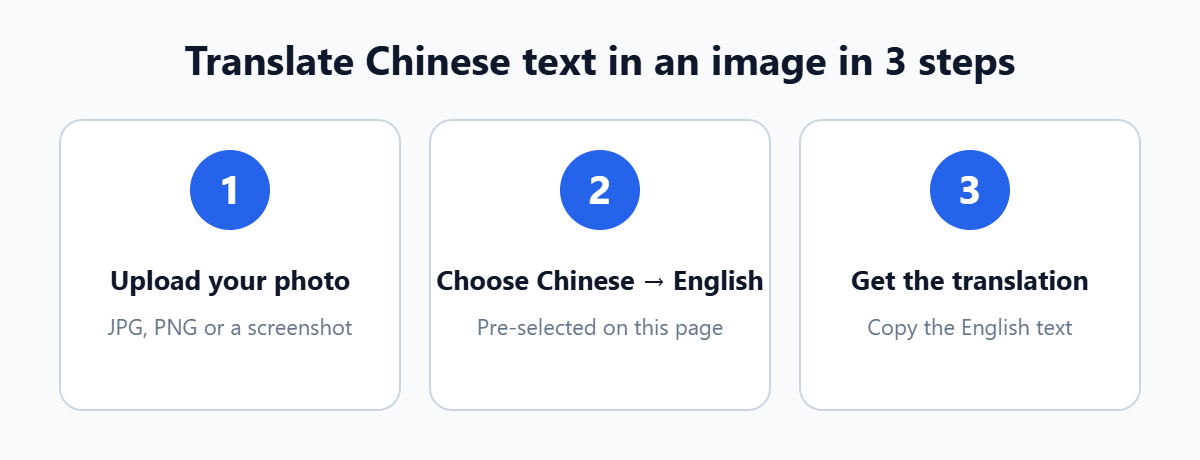
- Upload your photo. Drag and drop a JPG or PNG, or tap to choose a photo or screenshot from your phone.
- Check the languages. Chinese and English are already selected on this page, so you can skip straight to translating.
- Translate and copy. The tool reads the Chinese text and shows the English translation, ready to copy.
What makes Chinese text tricky to translate from photos
Image translation works in two stages: text recognition (OCR) reads the characters, then machine translation turns them into English. Most mistakes happen in the first stage, and the Simplified Chinese characters has some features that make that stage harder:
- Simplified vs Traditional. The tool is set up for Simplified Chinese, used in mainland China and Singapore. Traditional characters (Taiwan, Hong Kong) may be read less accurately.
- No spaces between words. Chinese words run together, so the translator relies on a clean, complete line of text to split them correctly.
- Similar-looking characters. Many characters differ by a single stroke, which is why sharp, well-lit photos matter more than with Latin text.
- Vertical and decorative text. Shop signs, calligraphy and packaging designs are harder than plain printed text such as manuals and labels.
- Mixed text. Product labels often mix Chinese with English model numbers and units, so check numbers against the original.
Tips for more accurate Chinese translations
- Hold the phone parallel to the text and avoid steep angles.
- Use even light and avoid glare on glossy menus, packaging and screens.
- Crop to only the text you need, so logos and background patterns are not read as characters.
- Use the original screenshot instead of a photo of a screen whenever you can.
- For more advice, read our tips for taking photos that translate accurately.
What you can translate
- Product manuals and instruction sheets that came only in Chinese (how to translate manuals from images)
- Packaging and labels from AliExpress, Taobao or 1688 orders (our packaging translation guide)
- Business cards from Chinese contacts (business card tips)
- Menus and signs when traveling (menu translation guide)
Accuracy, privacy and limits
Text recognition is powered by the open-source Tesseract OCR engine and runs in your browser; only the recognised text is sent for translation. Printed text in a clear photo gives the best results. Handwriting, stylised fonts and low-quality images reduce accuracy. Machine translation is ideal for understanding what something says, but legal, medical and official documents should always be checked by a qualified human translator. Our comparison of AI image translators, OCR and manual translation explains when each approach makes sense.
Frequently asked questions
Is the Chinese to English image translator free?
Yes. You can upload images and translate Chinese text to English for free, without creating an account.
Does it support Traditional Chinese?
The tool is tuned for Simplified Chinese. Many Traditional characters are still recognised, but expect more errors on text from Taiwan or Hong Kong.
Can I translate a screenshot from a Chinese shopping app?
Yes. Screenshots are usually ideal because the text is sharp. Crop out buttons and images so only the text you need is translated.
Why does the English sound unnatural?
Machine translation from Chinese is often literal. It is good for understanding meaning, but marketing or official text should be reviewed by a human translator.
Can I translate into a language other than English?
Yes. Change the target language in the tool to translate Chinese text into any of the other supported languages.
More guides and translators
- How to translate Chinese text in images to English: a step-by-step guide with more detail.
- Translate a photo from any language to English: our complete language guide.
- Image translation for travel: menus, signs, labels and medicine.
- Arabic to English image translator
- Japanese to English image translator
- Russian to English image translator
- All-language image translator