
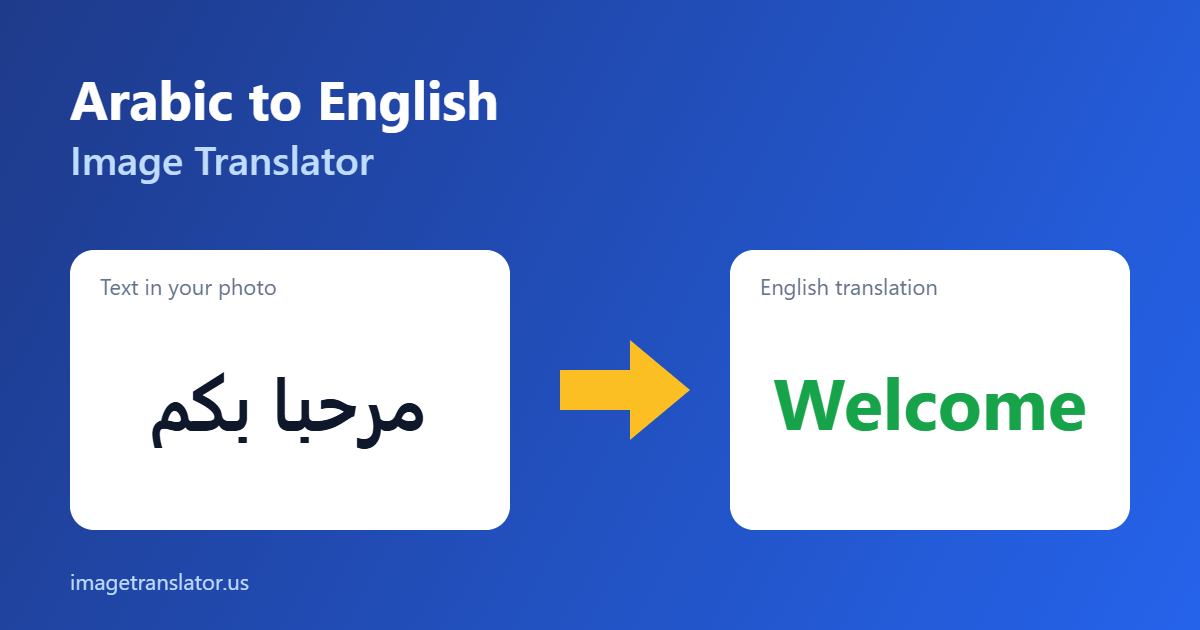
Got a photo of an Arabic sign, menu, label or document and need to know what it says? Upload it below and our free Arabic to English image translator will read the Arabic text and translate it into English in seconds. No account needed.
Arabic to English Photo Translator
Upload a photo, pick the languages, and get the translated text redrawn right on the image — then download it.
How to translate Arabic text in an image to English
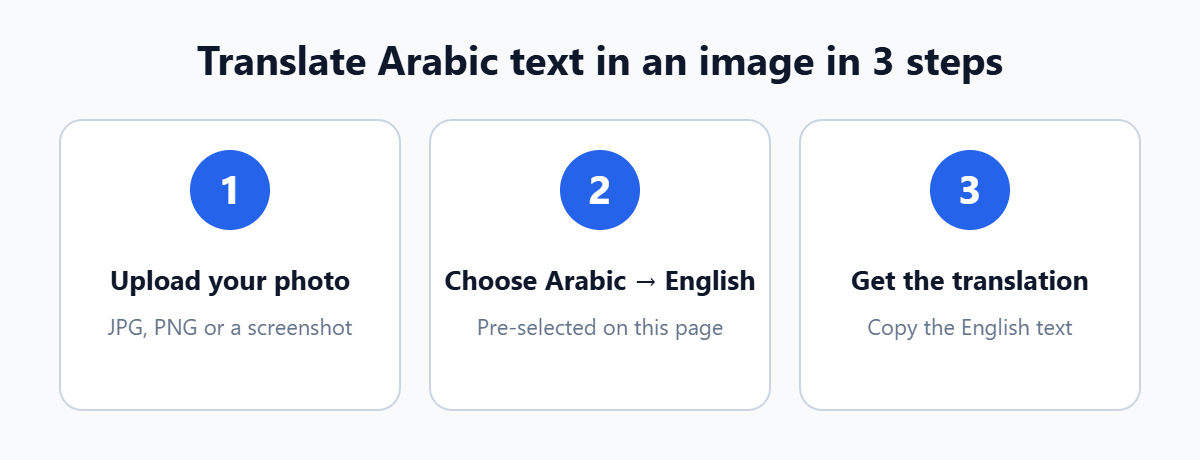
- Upload your photo. Drag and drop a JPG or PNG, or tap to choose a photo or screenshot from your phone.
- Check the languages. Arabic and English are already selected on this page, so you can skip straight to translating.
- Translate and copy. The tool reads the Arabic text and shows the English translation, ready to copy.
What makes Arabic text tricky to translate from photos
Image translation works in two stages: text recognition (OCR) reads the characters, then machine translation turns them into English. Most mistakes happen in the first stage, and the Arabic script has some features that make that stage harder:
- It reads right to left. Lines run from right to left, while numbers inside the text run left to right, so a straight, uncropped photo of the whole line works best.
- Letters change shape. Most letters connect and take a different form at the start, middle or end of a word, which is why blurry photos cause misreads.
- Vowel marks are usually missing. Everyday Arabic leaves out short-vowel diacritics, so context matters and very short phrases can be ambiguous.
- Two kinds of numerals. Many countries use Eastern Arabic digits (٠١٢٣) alongside Western ones, so double-check prices, dates and phone numbers.
- Calligraphy is hard for OCR. Decorative shop signs and logos are much harder to read than printed text on menus or labels.
Urdu and Persian use a very similar script but are different languages. If your photo is in Urdu, choose Urdu in the tool instead, and see our Hindi and Urdu image translation guide.
Tips for more accurate Arabic translations
- Hold the phone parallel to the text and avoid steep angles.
- Use even light and avoid glare on glossy menus, packaging and screens.
- Crop to only the text you need, so logos and background patterns are not read as characters.
- Use the original screenshot instead of a photo of a screen whenever you can.
- For more advice, read our tips for taking photos that translate accurately.
What you can translate
- Restaurant menus and street signs in the UAE, Saudi Arabia, Egypt or Morocco (see our menu translation guide)
- Food packaging and ingredient lists (how to read food labels abroad)
- Screenshots of WhatsApp messages, social media posts and websites
- Certificates and official letters, for understanding before a certified translation (our certificate guide)
Accuracy, privacy and limits
Text recognition is powered by the open-source Tesseract OCR engine and runs in your browser; only the recognised text is sent for translation. Printed text in a clear photo gives the best results. Handwriting, stylised fonts and low-quality images reduce accuracy. Machine translation is ideal for understanding what something says, but legal, medical and official documents should always be checked by a qualified human translator. Our comparison of AI image translators, OCR and manual translation explains when each approach makes sense.
Frequently asked questions
Is the Arabic to English image translator free?
Yes. You can upload images and translate Arabic text to English for free, without creating an account.
Can it translate handwritten Arabic?
Clear, neat handwriting sometimes works, but results are much less reliable than with printed text. Write-ups in cursive Ruq’ah style are especially difficult for OCR.
Does it work with Arabic dialects?
The tool reads written Arabic. Most signs, menus and labels use Modern Standard Arabic, which translates best. Dialect words in casual messages may be translated literally.
Why are some letters wrong in the result?
Usually the photo is slightly blurry, angled or low in contrast. Retake it straight on, in good light, and crop to just the text.
Can I translate into a language other than English?
Yes. Change the target language in the tool to translate Arabic text into any of the other supported languages.
More guides and translators
- How to translate Arabic text in images to English: a step-by-step guide with more detail.
- Translate a photo from any language to English: our complete language guide.
- Image translation for travel: menus, signs, labels and medicine.
- Japanese to English image translator
- Chinese to English image translator
- Russian to English image translator
- All-language image translator