

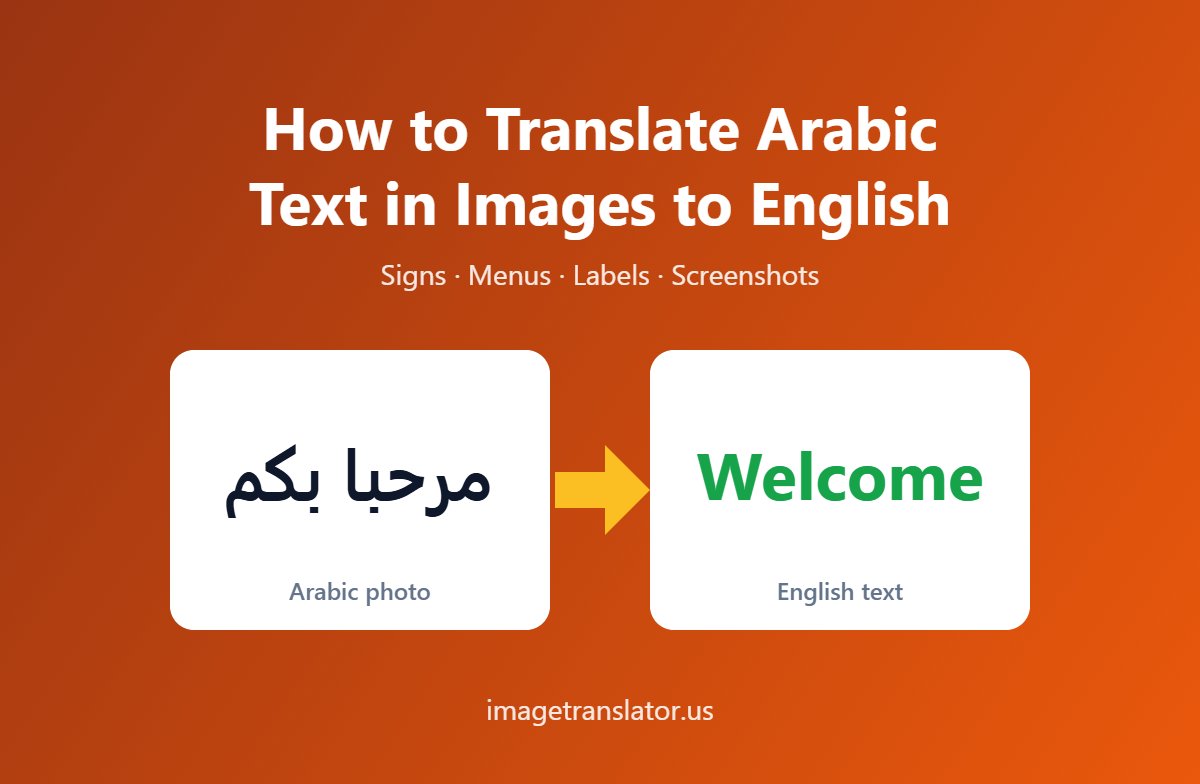
This article is part of our complete guide to translating photos from any language. To translate your own picture right now, use our free Arabic to English image translator.
Arabic is one of the most widely spoken languages in the world, and Arabic text appears everywhere—from restaurant menus and street signs to product labels, documents, screenshots, and social media posts. But if you don’t read Arabic, understanding text inside an image can be challenging.
Fortunately, modern image translation tools make it possible to translate Arabic text in images to English without manually typing the Arabic text. Using Optical Character Recognition (OCR) and machine translation, an image translator can read Arabic directly from a photo and provide an English translation within seconds.
In this guide, we’ll explain how to translate Arabic text in images to English, how Arabic OCR works, and how to get more accurate results using an online image translator.
What Is Arabic Image Translation?
Arabic image translation is the process of detecting Arabic text inside an image, converting the text into digital characters using OCR, and translating those characters into English.
For example, you might have a photograph of an Arabic restaurant menu. Instead of typing every Arabic word into a translation tool, you can upload the photograph to an image translator. The tool identifies the Arabic text, processes it, translates it into English, and can place the translated text back onto the image.
This process generally involves two important technologies:
- Optical Character Recognition (OCR) – identifies and extracts Arabic text from the image.
- Machine Translation – converts the extracted Arabic text into English.
Research into image-based Arabic translation has similarly used text detection, OCR, error correction, and machine translation as separate stages.
Why Is Arabic Text More Challenging to Translate From Images?
Arabic has several characteristics that can make image-based text recognition more complicated than reading standard English text.
First, Arabic is written from right to left, while English is written from left to right. Images that contain Arabic alongside English, numbers, or symbols can therefore contain bidirectional text.
Arabic letters are also connected within words, and their shapes can change depending on their position. Small dots and marks can also distinguish between otherwise similar letters. These characteristics mean that blurry or low-quality images can cause OCR mistakes.
Handwritten Arabic and decorative calligraphy can be even more difficult for OCR systems because their shapes vary significantly from standard printed fonts.
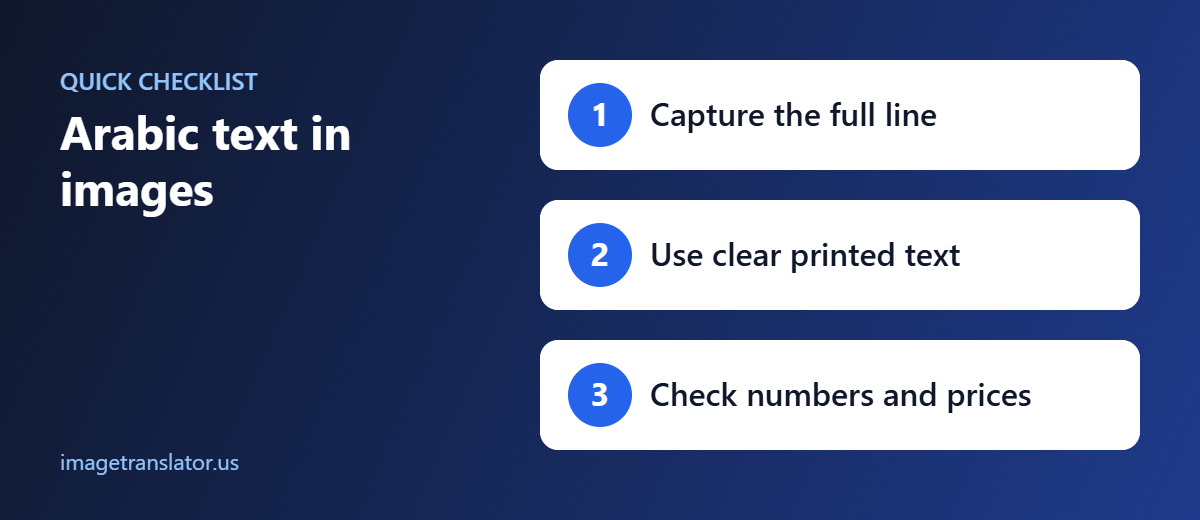
For the best results, use a clear image containing printed Arabic text whenever possible.
How to Translate Arabic Text in an Image to English
Using an online image translator is usually much faster than manually copying Arabic text. With ImageTranslator.us, the process can be completed in a few simple steps.
Step 1: Prepare Your Image
Start with a clear photograph, screenshot, or scanned document containing Arabic text.
For better recognition, make sure:
- The Arabic text is in focus.
- The image has sufficient lighting.
- There are no strong shadows across the text.
- The camera is positioned as straight as possible.
- The text is large enough to read clearly.
- Unnecessary background is cropped out.
Image quality has a direct effect on OCR accuracy. A sharp, well-lit image generally produces better results than a blurry photograph taken from a distance.
Step 2: Open an Arabic Image Translator
Open the ImageTranslator.us image translation tool and upload your image. The website supports common image formats such as PNG, JPG, and WEBP, and the translation workflow takes place directly through the browser interface.
Step 3: Select Arabic as the Source Language
Choose Arabic as the language of the text in your image.
Selecting the correct source language is particularly important for Arabic because the OCR system needs to recognize the Arabic character set and its right-to-left writing structure.
If your image contains both Arabic and English, make sure the tool can appropriately process the mixed-language content.
Step 4: Select English as the Target Language
Next, select English as your target language.
The tool will read the Arabic text found in your image and translate the detected content into English.
Step 5: Translate the Image
Click the translation button to process the image.
The OCR system identifies the Arabic text and extracts it before the translation stage converts it into English. ImageTranslator.us can then redraw the translated text onto the image, allowing you to view the result in a familiar layout.
Step 6: Review and Download the Translation
Once the translation is complete, review the English text against the original Arabic image.
For everyday content such as menus, signs, screenshots, and product information, this can provide a convenient way to understand unfamiliar text.
For important documents—such as legal contracts, immigration documents, medical records, or official certificates—an online translation should be treated as a first step rather than a certified translation. Important information should be checked by a qualified human translator.
Common Uses for Arabic-to-English Image Translation
There are many situations where translating Arabic text from an image can save time.
Travel
Travelers may encounter Arabic on road signs, menus, hotel notices, transportation information, and tourist attractions. Instead of typing unfamiliar Arabic characters, you can translate the text directly from a photograph.
Product Labels
Imported products may contain Arabic instructions, ingredients, warnings, or usage information. An image translator can help you understand the information without manually entering the text.
Documents and Scanned Pages
Arabic documents are often distributed as scanned images or PDFs. OCR-based image translation can help you understand their contents before deciding whether a professional translation is required.
Screenshots and Social Media
You may also encounter Arabic in screenshots, online posts, advertisements, or messages. Translating directly from an image eliminates the need to retype the original Arabic text.
Education and Research
Students and researchers working with Arabic-language materials can use image translation to quickly understand signs, scanned pages, diagrams, and other visual materials.
Tips for More Accurate Arabic OCR Translation
If your first translation isn’t accurate, the problem may be the image rather than the translation engine.
Try these tips:
Use a higher-resolution image. Small Arabic characters and dots can be difficult for OCR to distinguish in low-resolution pictures.
Crop the image. Removing unnecessary background gives the OCR system a clearer text region to analyze.
Avoid glare. Reflections can hide important Arabic characters and dots.
Keep the image straight. A photograph taken at a sharp angle can distort lines of text and make recognition harder.
Use printed text when possible. Standard Arabic fonts are generally easier for OCR systems to recognize than handwriting or highly decorative calligraphy.
Check names and numbers. Even when the general translation looks correct, names, dates, addresses, product codes, and numbers deserve additional verification.
Why Use an Image Translator Instead of Typing Arabic Manually?
Typing Arabic manually can be inconvenient if you don’t have an Arabic keyboard or don’t know how to enter Arabic characters. Even copying text isn’t always possible when the Arabic content exists only inside a photograph or scanned document.
An image translator removes this extra step.
Instead of:
Photo → manually type Arabic → paste into translator → read English
you can use:
Photo → OCR → English translation
ImageTranslator.us combines these steps into a single browser-based workflow. According to the site’s current description, its OCR runs in the browser, while extracted text is sent to its translation service for translation; the site says the uploaded image itself is not stored on its server.
Frequently Asked Questions
Can I translate Arabic text from a photo into English?
Yes. An image translator can use OCR to recognize Arabic text inside a photo and then translate the extracted text into English.
Can I translate Arabic handwriting?
Arabic handwriting is considerably more difficult for OCR than clear printed text. Results can vary depending on handwriting style, image quality, and the OCR system being used.
Can I translate an Arabic screenshot?
Yes. Screenshots containing clear Arabic text can be uploaded to an image translation tool just like photographs.
Is Arabic-to-English image translation free?
Some online image translation tools offer free translation. ImageTranslator.us provides a free browser-based image translation tool that lets users upload an image, select languages, translate the content, and download the translated image.
How accurate is Arabic image translation?
Accuracy depends on several factors, including image resolution, lighting, font style, text orientation, OCR recognition, and machine translation quality. Clear printed Arabic generally produces better results than blurry images, handwriting, or decorative calligraphy.
Translate Arabic Images to English Online
You don’t need to manually type Arabic text to understand what’s written in an image. With OCR and machine translation, you can translate Arabic text in images to English in just a few steps.
Whether you’re translating an Arabic menu while traveling, checking a product label, reading a screenshot, or understanding a scanned document, an image translator can save time and make Arabic content much easier to access.
Ready to translate Arabic from an image? Upload your photo to ImageTranslator.us, select Arabic as the source language and English as the target language, and let the tool do the work.
Further Reading
- Arabic script: how the right-to-left Arabic alphabet works.
- Arabic diacritics: the vowel marks often left out of everyday text.
