

This article is part of our step-by-step guide to translating text in an image online. To translate your own picture right now, use our free image translator.
Translating on your phone? Read our guide to the best apps to translate text in photos on Android and iPhone.
Translating text from an image used to mean manually typing every word into a translation app. Today, AI image translators and OCR-powered translation tools can recognize text directly from photos, screenshots, scanned documents, menus, signs, and product labels.
Whether you need to translate a foreign-language menu while traveling, understand a screenshot, localize product images, or process business documents, there are several tools to choose from.
In this guide, we’ll compare some of the most useful image translator tools in 2026, including free and paid options, and explain what each one is best suited for.
What Is an Image Translator?
An image translator combines Optical Character Recognition (OCR) with machine translation.
First, OCR detects and extracts the text contained in an image. The translation system then converts that text from the original language into your selected target language.
The process typically looks like this:
Upload Image → Detect Text → Extract Text → Translate → View or Download Result
Some tools only provide the translated text, while others can recreate the translated image by replacing the original text while attempting to preserve the layout.
The best option depends on whether you care most about convenience, language support, image layout, privacy, professional workflows, or cost.
ImageTranslator.us
Best for: Simple online image translation
ImageTranslator.us is designed specifically around translating text contained in images. Instead of extracting text manually and then opening a separate translation service, users can upload an image and translate the detected content through the same workflow.
Key features
- Image-based text translation
- OCR-powered text recognition
- Multiple source and target languages
- Browser-based workflow
- Translation of photos and screenshots
- Translated image output
- No software installation required
This makes ImageTranslator.us particularly useful for people who simply want to translate text from an image online without setting up complicated software.
Best for
ImageTranslator.us is a practical choice for travelers, students, casual users, and anyone who regularly needs to translate text embedded in photographs or screenshots.
Price: Free access is available; check the website for current limits and available features.
Google Translate
Best for: Free everyday and travel translation
Google Translate remains one of the most recognizable translation services, and it includes image translation.
On the web, users can open the Images tab, select the source and target languages, and upload an image. Google says users can also copy the translated text or download the translated image.
The mobile app can also use a phone camera to translate text, which is particularly useful for signs, menus, and other text encountered while traveling.
Advantages
- Widely available
- Image translation
- Camera-based translation
- Large language selection
- Copy translated text
- Download translated images
Google notes that image quality affects translation accuracy. Small, unclear, or stylized text may produce less accurate results.
Price: Free for standard consumer use.
Best for
Google Translate is a convenient choice when you want a familiar, general-purpose translation service without paying for a subscription.
DeepL
Best for: High-quality translation and professional workflows
DeepL is known primarily as a text translation service, but it also supports image translation through its desktop and mobile applications.
Its Windows application can extract text from images and translate it. Supported image formats include BMP, PNG, JPG, JPEG, TIF, TIFF, and GIF.
DeepL also offers image translation through its mobile applications, where users can take a photograph or upload an existing image and receive a translation.
Advantages
- Strong translation capabilities
- Image text extraction
- Desktop and mobile support
- Screen capture functionality
- Glossary and professional features on supported plans
- Multiple image formats
DeepL supports a broad range of languages, including English, Arabic, Hindi, Russian, Japanese, Korean, Urdu, Chinese, French, German, Spanish, and many others.
Price: Free options are available, with paid Pro plans offering additional capabilities and higher usage.
Best for
DeepL can be particularly useful when translation quality and professional translation features are more important than having a completely free image-translation workflow.
Yandex Translate
Best for: Russian and Cyrillic-language content
Yandex Translate is another option for translating text from images. It can be useful for users working with Russian and other languages supported by the service.
Its image translation functionality is particularly relevant when dealing with photographs, signs, screenshots, and other visual content containing Cyrillic text.
Advantages
- Image translation
- Useful for Russian-language content
- Web-based access
- Translation of text detected in images
Best for
Yandex Translate may be worth considering if your image translation needs frequently involve Russian or other languages associated with Cyrillic writing.
Price: Free options are available.
Microsoft Translator
Best for: Microsoft ecosystem users
Microsoft Translator is another established machine translation service. It can be useful for users who already work with Microsoft’s ecosystem and need translation capabilities across applications and workflows.
For image translation, availability and features can depend on the particular Microsoft product or platform being used, so users should check Microsoft’s current documentation before selecting it specifically for image workflows.
Advantages
- Microsoft ecosystem integration
- Multiple languages
- Translation APIs and business-oriented capabilities
- Useful for organizations already using Microsoft services
Price: Consumer and developer offerings vary.
Best for
Microsoft Translator is worth considering for businesses and developers already working with Microsoft’s translation services.
Free vs. Paid Image Translators
Choosing between a free and paid image translator depends largely on how often you translate images and what you need the output to look like.
| Feature | Free Tools | Paid Tools |
| Basic image translation | Usually available | Yes |
| OCR text extraction | Usually available | Yes |
| Multiple languages | Often available | Yes |
| Camera translation | Common | Common |
| Advanced workflows | Limited | More options |
| Batch processing | Often limited | More likely |
| Professional controls | Limited | More extensive |
| Business/API features | Limited or separate | Usually available |
| Priority/support | Limited | Often available |
For occasional translations, a free tool may be enough. If you’re translating hundreds of images, localizing products, or processing business documents, paid features can become more useful.
How to Choose the Right Image Translator
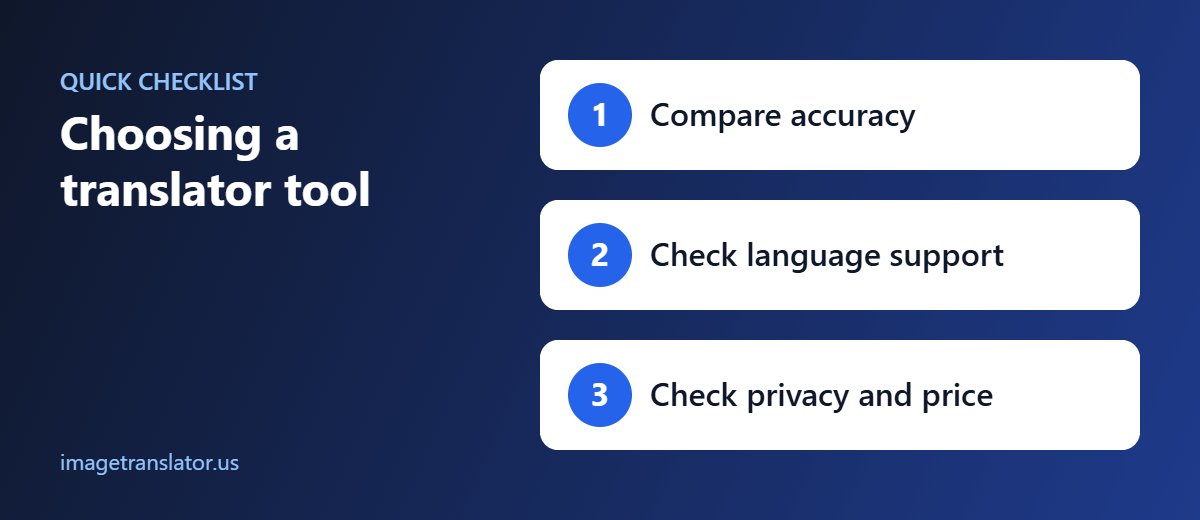
There isn’t one tool that is ideal for every image translation task. Consider these factors before choosing one.
Language Support
Check whether the tool supports the languages you actually need.
This is particularly important for less commonly supported languages, regional varieties, and scripts such as Arabic, Urdu, Hindi, Japanese, Korean, Thai, and Cyrillic.
OCR Accuracy
Translation is only as good as the text recognized from the image.
Clear, high-resolution images with standard fonts generally produce better OCR results than blurry photographs, handwriting, or decorative typography.
Layout Preservation
If you’re translating a product advertisement, poster, infographic, or document, you may want the translated words to remain in approximately the same positions as the original text.
Simple OCR tools may only give you extracted text, while dedicated image translators may attempt to recreate the translated image.
Privacy
Consider what happens to uploaded images, particularly if you’re translating contracts, identification documents, invoices, or other sensitive material.
Before using any online service for confidential images, review its current privacy and data-handling policies.
Usage Limits
Free services may have limits on the number of images, characters, file size, or features available.
If you translate images frequently, compare the current limits and subscription plans before committing to a service.
Tips for Getting Better Image Translation Results
Regardless of which tool you choose, the original image has a major impact on the result.
Use a clear image. Blurry text is harder for OCR to recognize.
Improve lighting. Avoid strong shadows and reflections.
Keep the camera straight. Photograph documents from directly in front whenever possible.
Crop unnecessary background. Make the text easier for the OCR system to identify.
Use high-resolution images. Small characters can be difficult to recognize.
Check names and numbers. Proper names, addresses, dates, prices, and codes deserve additional verification.
Google specifically recommends clear images and commonly used fonts for better image-translation results.
Which Image Translator Should You Use in 2026?
The right tool depends on your particular use case.
For straightforward online image translation: ImageTranslator.us provides a dedicated image-translation workflow.
For free everyday translation and travel: Google Translate offers image and camera translation without requiring a paid subscription for standard use.
For professional translation workflows: DeepL offers image translation across desktop and mobile applications, along with additional features for Pro users.
For Russian and Cyrillic content: Yandex Translate is another service worth considering.
For Microsoft-based organizations: Microsoft Translator may make sense when translation needs are already connected to Microsoft’s ecosystem.
Ultimately, the best image translator is the one that supports your required languages, provides sufficiently accurate OCR, fits your workflow, and offers the features you actually need.
Final Thoughts
Image translation has become much easier in 2026. Instead of manually typing foreign-language text, users can upload a photograph or screenshot and let OCR and machine translation handle much of the process.
Free tools are often sufficient for occasional tasks such as translating menus, signs, screenshots, and product labels. Paid platforms become more relevant when you need higher usage limits, professional workflows, batch processing, or business features.
If your goal is simply to translate text in an image online, you can start with ImageTranslator.us, upload your image, choose the source and target languages, and translate the content directly from your browser.
For important legal, medical, financial, or official documents, automated translation should be reviewed by a qualified human translator before being relied upon.
Further Reading
- Optical character recognition (OCR): how software reads text from images.
- Machine translation: how automatic translation works and where it falls short.
- Tesseract OCR on GitHub: the open-source OCR engine behind many image translators.
