

This article is part of our complete guide to translating photos from any language. To translate your own picture right now, use our free image translator.
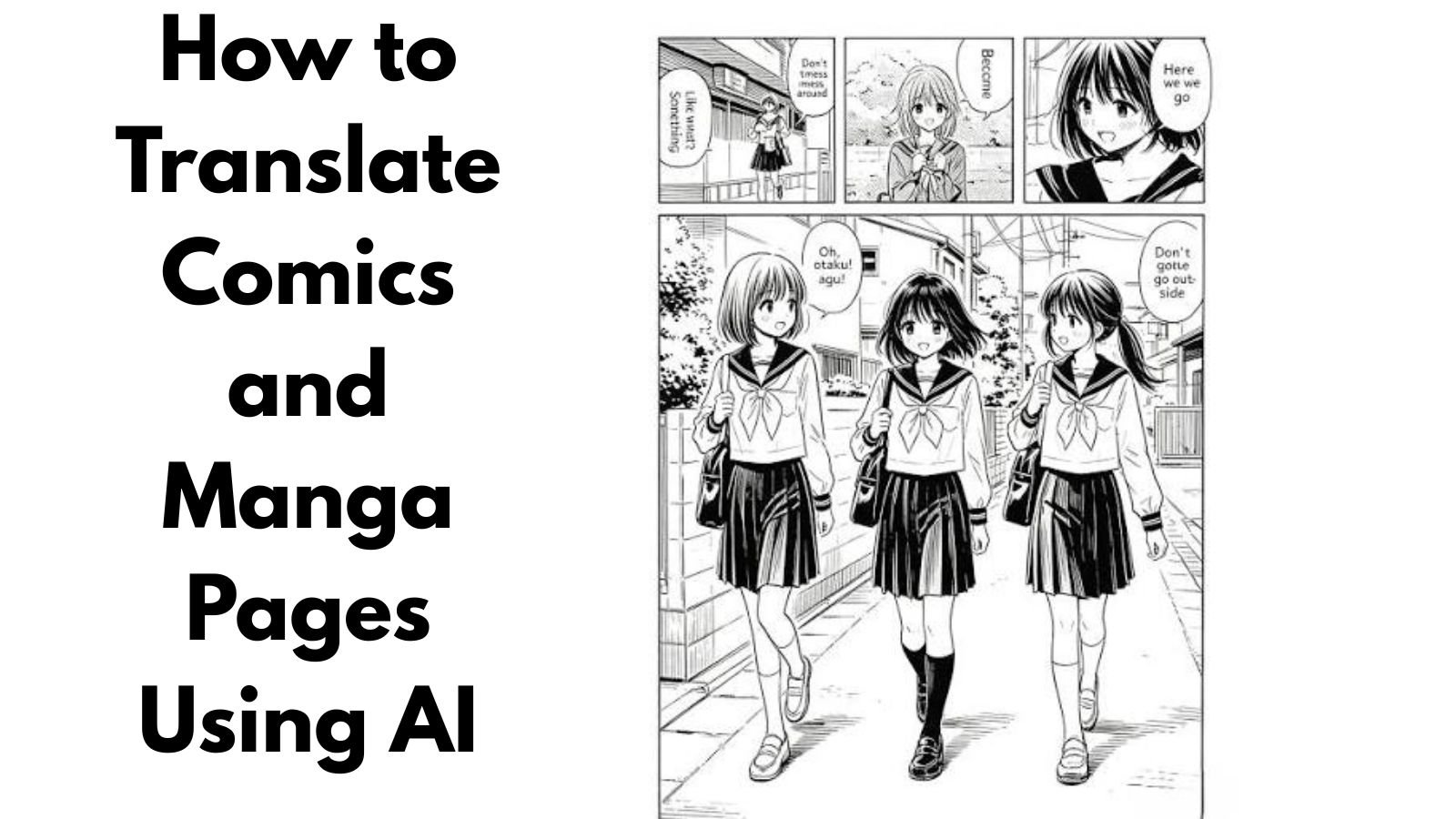
Comics and manga are enjoyed by readers all over the world, but language can sometimes make it difficult to follow a story. A manga page may contain dialogue, narration, sound effects, signs, handwritten text, and other visual elements written in Japanese, Korean, Chinese, or another language.
If you cannot read the original language, manually translating every speech bubble can take a lot of time. Fortunately, AI-powered image translation tools can make the process much easier.
With an image translator, you can upload a screenshot or photograph of a comic or manga page and translate the text contained in the image. Instead of copying every speech bubble manually, AI and OCR technology can help recognize the text and provide a translated version.
In this guide, we will explain how to translate comics and manga pages using AI, how image translation works, and how to get better results from your manga and comic images.
Why Use AI to Translate Manga and Comics?
Manga and comics are highly visual forms of storytelling. The text is usually integrated directly into the artwork rather than presented as a separate document.
A single page may contain:
- Speech bubbles
- Narration boxes
- Sound effects
- Character names
- Signs
- Notes
- Handwritten text
- Background dialogue
Manually copying all of this text into a traditional translator can be frustrating.
An AI-powered image translator can recognize text directly from the image, making it much easier to understand the page.
This is especially useful when reading comics that are written in Japanese, Chinese, Korean, Spanish, French, German, or other languages.
How AI Image Translation Works
AI image translation generally combines several technologies.
The first step is OCR, or optical character recognition. OCR detects text inside an image and converts it into machine-readable characters.
The translation system then processes the recognized text and converts it into the selected target language.
For a manga page, the process may look like this:
Manga image → Text recognition → Translation → Translated result
Some image translation tools can also preserve the visual structure of the original image while presenting translated text.
The quality of the result depends on factors such as image resolution, font style, text orientation, and the complexity of the artwork.
Step 1: Find a Clear Manga or Comic Page
Start with a high-quality image of the page you want to translate.
You might have:
- A scanned manga page
- A digital comic page
- A screenshot
- A photograph
- A downloaded image
- A comic panel
Higher-quality images generally make text recognition easier.
Avoid using extremely compressed or blurry images when possible.
Step 2: Upload the Page to an Image Translator
Once you have your image, upload it to an image translation service.
With ImageTranslator.us, you can upload an image containing foreign-language text and translate the text into your preferred language.
Translate Manga and Comic Images with ImageTranslator.us
This can save time compared with manually copying every speech bubble into a separate translation application.
Step 3: Select the Original Language
Choose the language used on the comic page.
For example:
Source: Japanese
Target: English
If you are translating a Korean webcomic:
Source: Korean
Target: English
For Chinese comics, select Chinese as the source language.
If you do not know which language the page uses, language detection may help identify it.
Step 4: Let AI Recognize the Text
After uploading the image, the system processes the page and identifies the text.
This is where OCR technology becomes especially useful.
The system may need to recognize different types of text, including:
- Horizontal writing
- Vertical writing
- Text inside speech bubbles
- Large sound effects
- Small narration
- Stylized fonts
Manga can be more challenging than ordinary documents because text may be placed over detailed artwork.
Step 5: Review the Translation
Once the page has been translated, read through the result carefully.
AI translation can provide a useful understanding of the dialogue, but it may not always capture every detail of a character’s speech.
Japanese, Korean, and Chinese can contain expressions, slang, wordplay, honorifics, and cultural references that do not have a direct equivalent in English.
For casual reading, the translation may provide enough context to understand the story.
For professional translation, publication, or detailed language study, human review may still be necessary.
Translating Japanese Manga
Japanese manga is one of the most common types of comics readers may want to translate.
Japanese manga can contain several writing systems, including Kanji, Hiragana, and Katakana.
A single speech bubble might combine multiple writing systems.
For example, a character’s dialogue may contain Kanji for common words and Hiragana for grammatical elements.
Manga can also contain vertical Japanese text, particularly in traditional page layouts.
When translating Japanese manga, use a clear, high-resolution image and make sure the speech bubbles are not cut off.
Translating Korean Webtoons
Korean comics and webtoons have become popular internationally.
Many webtoons contain Korean dialogue, sound effects, signs, and other text integrated into the artwork.
Because webtoons are often designed for scrolling on mobile devices, you may need to translate several screenshots instead of one traditional page.
For long panels, divide the image into manageable sections if the text is too small.
Upload each section separately to improve readability and make it easier to review the translated dialogue.
Translating Chinese Comics
Chinese comics, including manhua, can also contain a significant amount of text.
Chinese characters can be difficult to manually enter if you do not know the language.
Instead of trying to identify each character yourself, you can photograph or upload the page and allow an image translator to recognize the text.
As with manga, make sure the image is sharp and that speech bubbles are clearly visible.
How to Translate Manga Sound Effects
Sound effects are an interesting challenge.
Manga often uses large stylized words to represent sounds such as movement, impact, surprise, laughter, or atmosphere.
These words may be integrated directly into the artwork rather than placed inside speech bubbles.
AI may recognize some sound effects, but artistic fonts and unusual lettering can make recognition difficult.
If a sound effect is important to understanding the scene, consider checking the original word separately after translating the main dialogue.
Tips for Better Manga Translation Results
Use High-Resolution Images
The clearer the text, the easier it is for OCR technology to recognize it.
Whenever possible, use the original digital image instead of a screenshot of a low-quality preview.
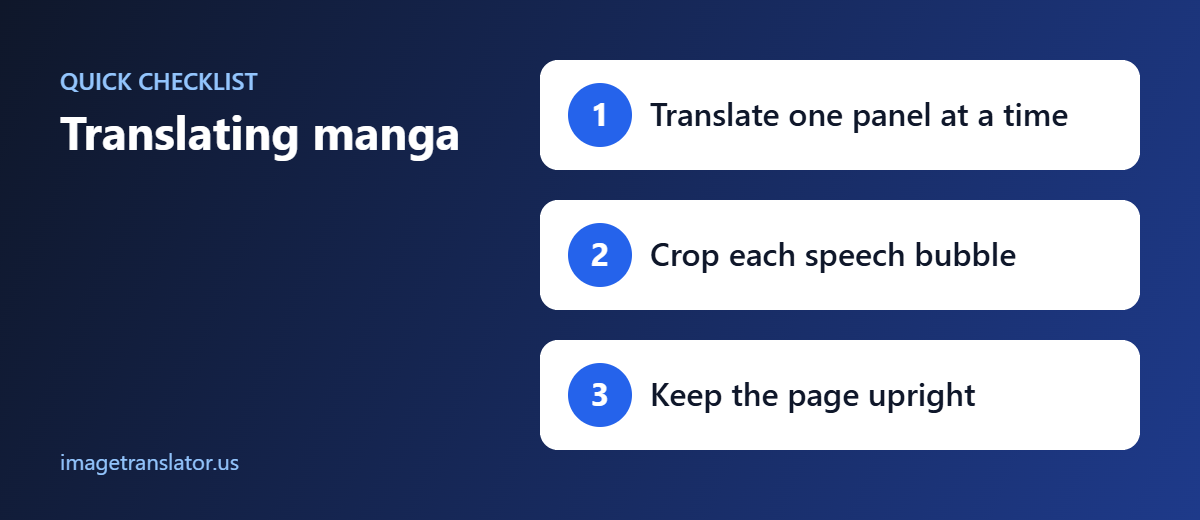
Crop Individual Panels
If the entire page is difficult to process, crop individual panels and translate them separately.
This can make small speech bubbles much easier to recognize.
Avoid Blurry Screenshots
A blurry screenshot can cause characters to be recognized incorrectly.
If possible, use a high-quality image from the original source.
Keep the Entire Speech Bubble Visible
Do not crop away part of a speech bubble.
Missing characters can change the meaning of a sentence.
Check Vertical Text
Japanese manga can contain vertical text. Make sure the entire vertical section is included in your image.
Review Names
Character names may not translate naturally. If a name appears unusual in the translation, compare it with the original text.
Can AI Preserve the Original Manga Artwork?
Image translation tools can help translate text contained in images, but translating manga is more complicated than translating a simple paragraph.
Manga artwork contains speech bubbles, illustrations, sound effects, and decorative elements.
Depending on the tool and image, the translated output may not perfectly preserve every visual element of the original.
If you simply want to understand the story, translated text is often the most important part.
If you are preparing a manga for publication, professional localization and editing may be necessary.
AI Translation vs. Manual Translation
Both approaches have advantages.
AI Image Translation
AI can be useful when you want to:
- Quickly understand a page
- Translate many images
- Avoid manually typing characters
- Get a general understanding of dialogue
- Translate screenshots
- Read unfamiliar languages
Manual Translation
Human translation can be useful when you need:
- Detailed cultural context
- Accurate localization
- Professional publication
- Precise dialogue
- Consistent character voices
- Interpretation of jokes and wordplay
For casual reading, AI can significantly reduce the amount of manual work involved.
Using ImageTranslator.us for Comics and Manga
If you have a manga page, comic panel, or screenshot containing foreign-language text, you can upload it to ImageTranslator.us and translate the visible text.
The process is simple: upload the image, select the source and target languages, and let the image translation system process the text.
This makes it easier to understand foreign-language comics without manually typing every speech bubble.
Copyright and Responsible Use
When working with comics and manga, remember that many works are protected by copyright.
Translation for personal understanding is different from publicly distributing a translated version of someone else’s copyrighted work.
If you plan to publish, redistribute, or monetize translated comic pages, make sure you have the appropriate rights or permission from the copyright holder.
An image translator is a tool for processing images; it does not give you ownership or redistribution rights over the underlying artwork.
Common Problems When Translating Manga with AI
AI image translation is useful, but certain situations can affect the result.
Stylized Fonts
Highly decorative text can be difficult for OCR systems to recognize.
Handwritten Text
Handwritten notes may not be recognized accurately.
Overlapping Artwork
Text placed directly over detailed artwork can make character recognition more difficult.
Low Resolution
Small or pixelated text may produce incorrect results.
Slang and Wordplay
Literal machine translation may not fully capture jokes, slang, cultural references, or character-specific expressions.
Multiple Text Directions
Pages containing both vertical and horizontal writing can require additional attention.
Final Thoughts
AI has made translating comics and manga much easier than it used to be. Instead of manually copying every speech bubble, readers can use image translation technology to recognize and translate text directly from a comic page.
The best results come from using clear, high-resolution images and reviewing the translated text carefully. For Japanese manga, Korean webtoons, and Chinese comics, pay particular attention to names, sound effects, slang, and cultural expressions.
If you want a quick way to translate text from a manga page, comic panel, or screenshot, ImageTranslator.us can help you get started.
Translate Your Comic or Manga Image
Upload your image, choose the languages, and let image translation make foreign-language comics easier to understand.
Further Reading
- Manga: background on Japanese comics and their reading direction.
- Scanlation: how fan translations of comics are produced.
