

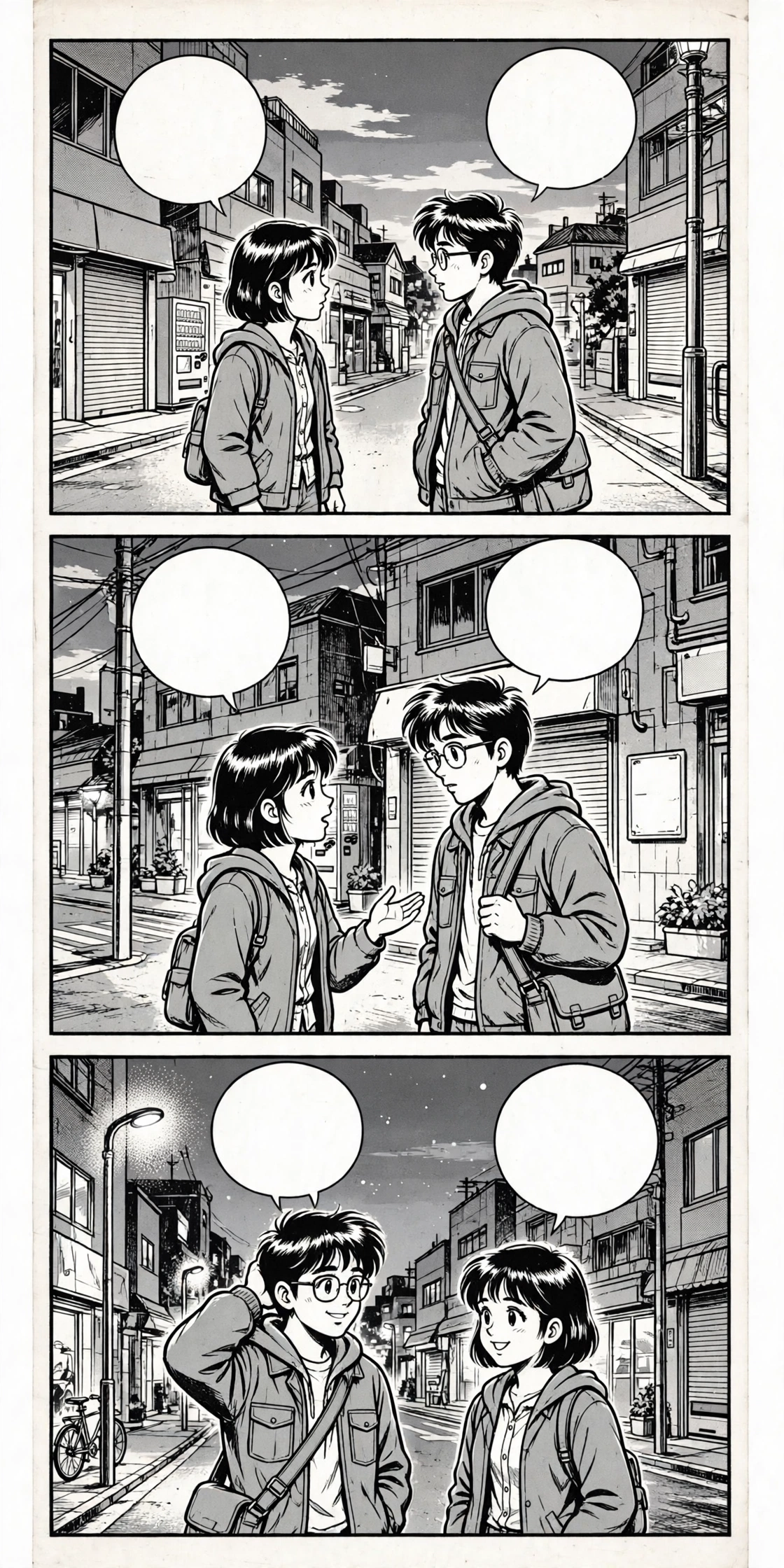
A manga page is not a normal photo. The text lives inside speech bubbles, sound effects are drawn into the art, and the reading order runs right to left — or left to right, or top to bottom, depending on where the comic comes from. A photo translator that handles a street sign perfectly can still make a mess of a manga page if you feed it the whole page at once.
This guide shows you how to translate manga, manhwa and manhua pages online so the story actually makes sense: the reading order for each format, how to handle bubbles and sound effects, and how to deal with long webtoon strips that do not fit in one screenshot.
To translate your own page right now, open the Japanese to English image translator — Japanese is pre-selected, and you can switch the source language to Korean or Chinese for manhwa and manhua.
Why Manga Breaks Normal Photo Translation
A street sign has one line of text, printed in a straight row. A manga page has dozens of text fragments scattered across panels: dialogue in bubbles, narration in boxes, sound effects drawn as art, tiny notes in the margins, and text on signs inside the scene itself. Each fragment is short, so the translator has almost no context to work with — and short fragments are exactly where machine translation guesses wrong.
Three things make comic pages harder than ordinary photos:
- Reading order is not left to right. Japanese manga reads right to left. Korean manhwa and Chinese manhua read left to right. Webtoons read top to bottom. Translate the bubbles in the wrong order and a conversation comes out backwards.
- Sound effects are pictures, not words. A big ドン (don) or 쾅 (kwang) is drawn as part of the artwork, often stretched, rotated or broken across a panel. OCR reads it as text, but it is really a noise — and translating it literally produces nonsense.
- The lettering is hand-drawn. Speech is often hand-lettered or set in stylised comic fonts, sometimes vertical, sometimes curved along a bubble. That is much harder for text recognition than the clean printed type on a sign.
None of this means you cannot translate manga with a photo translator. It means you have to work panel by panel instead of page by page — and that is what the rest of this guide covers.
Reading Order First: Manga, Manhwa, Manhua and Webtoons
Before you translate a single word, work out which way the page reads. Getting this wrong is the single most common reason a manga translation comes out confusing.
Japanese manga — right to left. Start at the top-right panel and read across to the left, then drop down a row. Inside a panel, read the rightmost bubble first. A conversation that reads “Are you okay?” followed by “I fell down the stairs” in English order is actually “I fell down the stairs” followed by “Are you okay?” in manga order — the fall comes first, the question second.
Korean manhwa — left to right. Manhwa follows the same reading direction as English: top-left panel first, then across to the right. If you are used to manga, this is the easiest mistake to make — you will read a manhwa page backwards without noticing until the dialogue stops making sense.
Chinese manhua — left to right. Manhua also reads left to right, panel by panel, top to bottom. Older or more traditional manhua can use vertical text inside panels, but the panel order itself runs left to right.
Webtoons — top to bottom. Webtoons are built for phone screens: one long vertical strip, read from the top down. There are no pages and no left-right panel order to work out — but a single episode can be thousands of pixels tall, which creates its own problem, covered below.
A quick check before you start: find a panel with two speech bubbles and a clear question and answer — a greeting and a reply, for example. If the reply sits to the left of the question, the page reads right to left. If it sits to the right, the page reads left to right. Thirty seconds spent on this check saves you from translating an entire chapter backwards.
How to Translate a Manga Page Online, Step by Step
Here is the method that gives the cleanest results with any manga translator online:
Step 1: Read the page yourself first. Even if you cannot read the language, look at the art. Work out who is speaking to whom, and which bubble belongs to which character — the tail of a speech bubble points at its speaker. This tells you the order to translate the bubbles in.
Step 2: Crop one panel at a time. Do not upload a full page. Crop a single panel, or a single speech bubble, and translate that. A cropped bubble gives the translator one clean fragment of text instead of twenty fragments fighting for attention. It also keeps the reading order under your control — you decide the sequence, not the tool.
Step 3: Upload the crop and check the language. Open the Japanese to English image translator for manga, and switch the source language to Korean for manhwa or Chinese for manhua. Upload your cropped panel and let the tool read the text.
Step 4: Translate bubbles in reading order. Work through the page in the correct order — right to left for manga, left to right for manhwa and manhua, top to bottom for webtoons. Write the translations down in that order as you go, so the conversation stays in sequence.
Step 5: Read the result back as a conversation. This is the step most people skip. Read your translated bubbles in order and ask: does this sound like a conversation? If a character answers a question nobody asked, you have the order wrong — or a bubble belongs to a different speaker than you assumed.
Speech Bubbles: Crop Them, Don’t Guess Them
Speech bubbles cause most manga translation errors, and nearly all of them come from translating too much at once. Three rules fix most of the problems:
One bubble, one translation. A bubble usually holds one sentence or one short exchange. Translating it alone gives the tool a complete thought to work with. Translating five bubbles at once gives it five fragments with no grammar connecting them.
Watch the bubble tails. The little tail on a speech bubble points to whoever is speaking. When two characters share a panel, the tail is the only thing telling you who said what. If a translation sounds out of character — the shy character suddenly shouting, for instance — check whether you attached the bubble to the wrong speaker.
Mind the small text. Thought bubbles, whispered asides and muttered words are often printed smaller than normal speech, and OCR misses small text first. If a bubble looks half-translated, crop closer and translate it again on its own. The same applies to the tiny narration boxes between panels — they carry the scene-setting (“Three days later…”) that makes the dialogue make sense.
Sound Effects: The Words You Should Not Translate Literally
Every comic language has onomatopoeia — words that imitate sounds — and they are the worst thing to feed a translator literally. A Japanese ドキドキ (doki doki) is a heartbeat, not a word with an English equivalent. A Korean 쿵 (kung) is a thud. A Chinese 砰 (pēng) is a bang. Translated word for word, they come out as gibberish.
The practical approach is simple: ignore most sound effects. They are atmosphere, not plot. You do not need to know that a door went バタン (batan) to follow the story — the art shows you the door slamming. Translate a sound effect only when it carries meaning you cannot get from the picture, such as a phone ringing off-panel or a sound coming from another room.
Two sound-effect traps to watch for:
- Sound effects that look like dialogue. A large stylised word stretched across a panel is almost always a sound effect, even if the OCR reads it as a sentence. If a “translation” appears in the middle of an action scene and makes no sense as speech, it is probably a sound effect — leave it out.
- Sound effects split across panels. A long crash or explosion effect can run across two panels or wrap around a character. Cropped in half, each piece translates as a different nonsense word. Either crop the whole effect together or skip it entirely.
Vertical Text, Furigana and Hand-Lettering
Japanese manga uses vertical text constantly — in narration boxes, on signs inside scenes, and in traditional-style dialogue. Most photo translators handle vertical text if the image is clear, but the text must be upright and complete in the frame. If a vertical line of text translates as scrambled words, rotate the crop 90 degrees so the text runs horizontally and try again.
Furigana — the tiny hiragana printed above difficult kanji to show how they are pronounced — is a gift and a trap. It helps Japanese readers, but for OCR it is tiny text sitting on top of other text, and it often gets read as part of the main line. If a line translates with strange extra syllables, furigana is the likely cause. Crop the line without the furigana row if you can, or accept a slightly rough translation and use the context to fill the gap.
Hand-lettered dialogue and stylised fonts are the hardest text on the page. If a bubble will not translate cleanly, try a higher-resolution screenshot of the same panel, increase the contrast, or crop tighter so the letters fill the frame. Our guide to why image translations go wrong covers the photo fixes — blur, glare and small text — that matter most here.
Long Webtoon Strips: Translate in Sections That Overlap
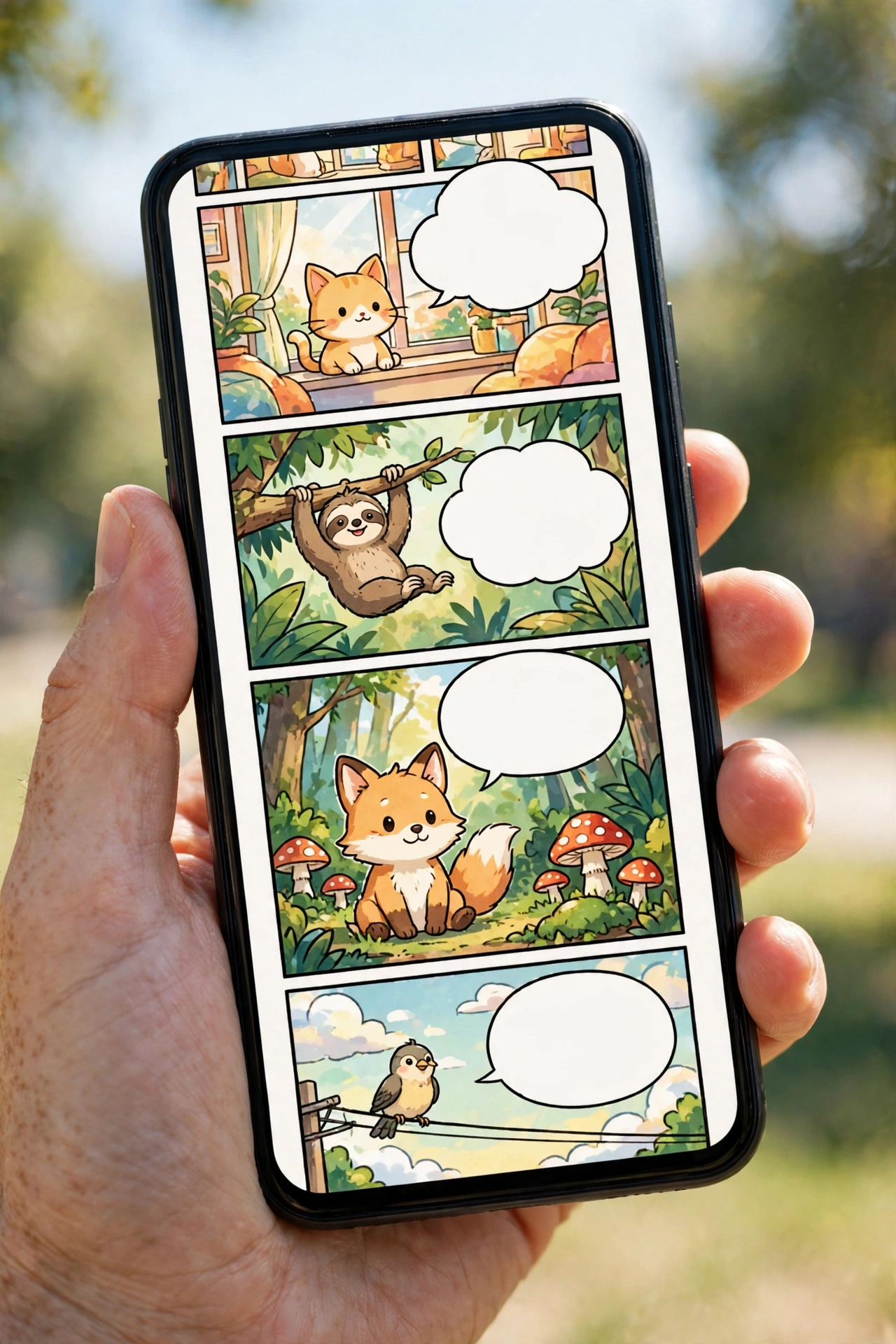
A webtoon episode is one tall image, and a phone screenshot only captures part of it. The mistake is screenshotting the strip in separate chunks with hard cuts between them — a speech bubble sliced in half at the cut translates as two broken fragments, and you lose the panel the cut ran through.
Instead, screenshot the strip in overlapping sections: each screenshot should repeat the last panel of the previous one. That overlap is your anchor — it tells you where one section ends and the next begins, and it guarantees no bubble is ever cut in half without a complete copy somewhere.
Work from the top down, translating one section at a time, and keep the episode’s reading order in mind: webtoons read strictly top to bottom, so there is no left-right confusion, but a long strip can hide a scene change halfway down. When the setting changes — a new location, a time skip — note it, because the dialogue after the change belongs to a different scene.
For Korean webtoons specifically, our Korean text in images guide covers Hangul’s syllable blocks, spacing and slang — all of which show up constantly in webtoon dialogue. And if a webtoon panel is Japanese, the Japanese text in images guide covers vertical text, kanji and hand-lettering in more depth.
A Worked Example: Three Panels, Three Languages
To show the method, here are three short invented panels — original lines written for this guide, not taken from any published comic — translated panel by panel:
Japanese manga panel. A character looks out of a window at rain. The bubble reads: 「今日は雨だね。」 Translated: “It’s raining today, isn’t it?” The ね (ne) at the end turns a statement into a gentle question — “isn’t it?” — and a translator that drops it loses the character’s mood. Context tells you the speaker is talking to someone beside them, not to the reader.
Korean manhwa panel. Two friends at a food stall. One says: “이거 매워?” Translated: “Is this spicy?” The single word 매워 (maewo) carries the whole question — spicy? — and translating the bubble alone, without the stall and the food in the panel, could give you “Is it hot?” instead. The picture decides which meaning is right.
Chinese manhua panel. A student runs for a bus, shouting: “等等我!” Translated: “Wait for me!” The exclamation mark and the running figure both matter: without them, 等等 could come out as the flat “wait a moment” instead of the urgent shout the scene needs.
In each case the method is the same: crop the bubble, translate it alone, then check the result against the picture. The picture is half the translation.
Rights Note: Only Translate Pages You Have the Right to Use
Manga, manhwa and manhua are copyrighted works, and translating a page does not give you the right to share it. Only translate pages from comics you own, from licensed apps and official releases, or from public-domain works. Do not upload scanlations — unauthorised fan translations of copyrighted comics — and do not repost translated pages publicly. Translating a page for your own reading is a different thing from publishing that translation, and the second needs the rights holder’s permission.
The same rule applies to the images in this guide: every example panel described here was written for this article. Use your own screenshots from licensed copies you own, never someone else’s scans.
Common Mistakes When Translating Manga Pages
- Uploading the whole page. Ten bubbles at once means ten fragments with no order. Crop panel by panel.
- Reading manga left to right. The conversation comes out backwards. Check the reading direction first.
- Translating sound effects literally. They are noise, not dialogue. Skip them unless the plot needs them.
- Trusting a single-word translation. One word out of context is a guess. Translate the whole bubble, then check it against the art.
- Ignoring the art. The picture tells you who is speaking, what they are reacting to, and whether a line is a joke, a threat or a whisper. A translation that ignores the art is half a translation.
- Forgetting the narration boxes. The small boxes between panels carry time skips and scene changes. Without them, the dialogue jumps confusingly.
Frequently Asked Questions
Can I translate manga pages to English for free? Yes. Crop a panel or a speech bubble, upload it to a free image translator, set the source language to Japanese, Korean or Chinese, and translate it to English. Translating panel by panel is free and gives better results than uploading a whole page at once.
What is the best way to translate manga panels online? Crop one panel or one speech bubble at a time and translate each in the correct reading order — right to left for Japanese manga, left to right for Korean manhwa and Chinese manhua, top to bottom for webtoons. Whole-page uploads mix the reading order and produce confused dialogue.
How do I translate a webtoon strip that is too long for one screenshot? Screenshot the strip in overlapping sections, repeating the last panel of each section at the top of the next one. Translate section by section from the top down, using the overlap to keep the order straight and to make sure no speech bubble is cut in half.
Why does my manga translation come out backwards? Japanese manga reads right to left, so a conversation translated left to right comes out in reverse order. Check the reading direction before you start: if the reply sits to the left of the question, the page reads right to left.
Can I translate manhwa and manhua the same way as manga? The method is the same — crop, translate, check against the art — but the reading order is different. Manhwa and manhua read left to right, while manga reads right to left. Set the source language to Korean for manhwa and Chinese for manhua.
Is it legal to translate manga pages with an image translator? Translating pages from comics you own or from licensed apps for your own reading is a personal use. Sharing or publishing translated pages without the rights holder’s permission is not — do not repost translated pages publicly, and do not use unauthorised scanlations as your source.
Final Thoughts
Translating manga, manhwa and manhua well is mostly a matter of slowing down: work out the reading order, crop one panel at a time, translate bubbles in sequence, and check every result against the picture. A manga translator online can read the words for you — but only you can read the story. Do the panel-by-panel work, skip the sound effects, and the story will come through.
Start with one page from a comic you own. Crop the first panel, translate it, and read the result as a conversation. Once that feels natural, the rest of the chapter follows the same steps.
