

This article is part of our complete guide to image translation for business and documents. To translate your own picture right now, use our free image translator.
Business cards are an important part of professional communication, especially when meeting people while traveling or attending international conferences. However, exchanging business cards can become challenging when the information is written in Japanese, Chinese, or Korean and you cannot read the language.
A business card may contain a person’s name, job title, company name, address, phone number, email address, website, and other professional information. Understanding these details correctly can help you remember who you met and how to contact them later.
Fortunately, you do not have to type every unfamiliar character manually. With your smartphone camera and an image translation tool, you can photograph a business card and translate the text into a language you understand.
In this guide, we will explain how to translate business cards from Japanese, Chinese, or Korean, how image translation works, and how to get better results when translating small text and unfamiliar characters.
Why Translate a Business Card?
Business cards often contain information that is essential for maintaining professional relationships.
When you receive a card written in another language, you may want to understand:
- The person’s full name
- Job title
- Company name
- Company address
- Phone number
- Email address
- Website
- Department
- Professional role
- Social media or other contact information
If you cannot read Japanese, Chinese, or Korean characters, it can be difficult to determine what each section means.
An image translator allows you to quickly translate the visible text from a photograph without manually entering every character.
Japanese, Chinese, and Korean Business Cards
Japanese, Chinese, and Korean use different writing systems, which can make manual translation difficult for people who are unfamiliar with these languages.
Japanese commonly uses Kanji, along with Hiragana and Katakana.
Chinese primarily uses Chinese characters, commonly called Hanzi.
Korean uses the Hangul writing system.
Although these writing systems are different, modern OCR and image translation technology can recognize text from photographs and convert it into a more understandable language.
How to Translate a Japanese Business Card
Japanese business cards, often called meishi, are commonly exchanged during professional meetings in Japan.
A Japanese business card may include the person’s name, company, position, department, phone number, email address, and company address.
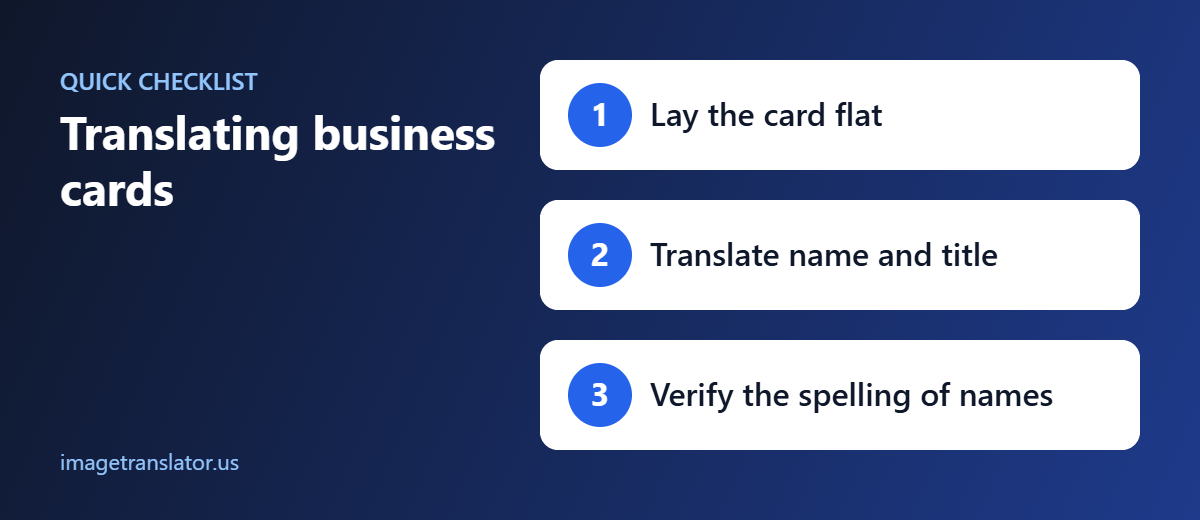
Step 1: Take a Clear Photo
Place the business card on a flat surface and use your phone camera to take a clear photograph.
Make sure all Japanese characters are visible.
Because business cards often use small fonts, move your phone closer if necessary.
Step 2: Upload the Image
Once you have taken the picture, upload it to an image translation tool.
With ImageTranslator.us, you can upload an image containing Japanese text and translate it into your preferred language.
Translate a Japanese Business Card
Step 3: Select Japanese as the Source Language
Choose Japanese as the original language and select your preferred target language.
For example:
Source: Japanese
Target: English
The tool can then process the text contained in the photograph.
Step 4: Review Names Carefully
Japanese names can be particularly challenging because the same Kanji may have different possible readings.
For this reason, use the translation as a way to understand the card, but do not assume that an automated translation always gives the correct pronunciation of a person’s name.
If you are unsure how to pronounce someone’s name, politely ask them.
How to Translate a Chinese Business Card
Chinese business cards can contain simplified or traditional Chinese characters depending on where the person or company is located.
A Chinese business card may include:
- Chinese name
- English name
- Company name
- Job title
- Address
- Telephone number
- Email address
- Website
Take a High-Quality Photograph
Chinese characters can contain many small details. A low-resolution or blurry photograph may make some characters difficult for OCR software to recognize.
Hold your phone steady and take a well-lit photograph.
Upload the Business Card
After taking the photo, upload it to ImageTranslator.us.
Translate a Chinese Business Card
Select Chinese as the source language and choose the language you want to use for the translation.
Check the Company Name
Company names may be translated in different ways, and some companies use an official English name that does not directly correspond to a literal translation.
If the card includes an English company name, use that official version when saving the contact.
How to Translate a Korean Business Card
Korean business cards commonly use Hangul and may also include English information.
A Korean business card may display the person’s name, company, department, position, contact information, and address.
Take a clear photograph of the card and upload it to your image translation tool.
Select Korean as the source language and your preferred language as the target.
The translated text can help you identify the different sections of the card.
How Image Translation Works
Image translation generally combines OCR and machine translation technology.
OCR, or optical character recognition, identifies written or printed characters inside an image.
After the text has been recognized, a translation system processes the text and converts it into another language.
For a business card, this means you can photograph the card instead of manually typing unfamiliar Japanese, Chinese, or Korean characters.
This can be particularly useful at conferences or networking events where you may receive several business cards within a short period.
Tips for Getting Better Business Card Translations
Use Good Lighting
Take your photograph in a well-lit area. Poor lighting can make small characters difficult to recognize.
Avoid Glare
Glossy business cards can reflect light. Change the angle of your phone or move the card to a different location if necessary.
Keep the Camera Straight
Try to photograph the business card directly from above.
A heavily angled photograph can distort the text and make OCR recognition more difficult.
Capture the Entire Card
Make sure the photograph includes all four corners of the business card.
Important contact information may be located near the edges.
Take Separate Photos of Both Sides
Some business cards contain different information on the front and back.
If the back contains additional contact information, company details, or a QR code, take a separate photograph and translate that side as well.
What About Names?
Names require special attention when translating Asian business cards.
A translation tool can recognize the characters, but the pronunciation of a person’s name may not always be obvious from the translated result.
This is especially relevant for Japanese and Chinese names, where characters can have multiple readings or pronunciations.
If the person has provided an English or Romanized version of their name on the card, use that version whenever possible.
If no pronunciation is provided, asking the person directly is the safest way to avoid mispronouncing their name.
Translating Job Titles
Understanding a person’s job title can help you determine their role within a company.
A Japanese, Chinese, or Korean business card may contain a job title that does not have an exact one-to-one English equivalent.
Image translation can provide a useful interpretation, but professional titles can sometimes depend on the company’s organizational structure.
If the exact position is important for business communication, consider confirming the title with the company or the person directly.
Translate Business Cards at Conferences
International conferences are one of the best situations for using an image translator.
You may meet dozens of people from different countries and collect business cards throughout the event.
Instead of waiting until you return home to identify every card, you can photograph and translate them immediately.
For example, after meeting someone from Tokyo, you can quickly photograph their Japanese business card and translate the information.
The same process works for Chinese and Korean business cards.
This can help you organize your contacts while the meeting is still fresh in your memory.
Save the Translated Information
After translating a business card, consider saving the important information in your contacts.
You can record:
- Full name
- Company
- Job title
- Phone number
- Email address
- Website
- Meeting location
- Date you met
- Notes about the conversation
This can make it easier to follow up after an international business meeting.
Remember to verify phone numbers and email addresses carefully. A single incorrectly recognized character can make contact information unusable.
Can Image Translation Translate QR Codes?
Some modern business cards include QR codes that link to websites, social profiles, contact pages, or digital business cards.
An image translator is primarily designed to translate visible text. If a business card contains a QR code, use your phone’s QR-code scanning functionality when you want to open the associated link.
You can then translate the webpage separately if it is written in another language.
Common Problems When Translating Business Cards
Although image translation is convenient, several factors can affect the result.
Small Text
Business cards often use very small fonts. Take a high-resolution photograph and move closer when necessary.
Stylized Fonts
Some cards use decorative fonts that may be difficult for OCR software to recognize.
Logos
Company logos can sometimes look like text but may not be recognized correctly.
Mixed Languages
A business card may contain Japanese and English, Chinese and English, or Korean and English.
If multiple languages appear on the same card, make sure you review each section separately.
Vertical Japanese Text
Some Japanese business cards may use vertically arranged text. This can require extra attention when photographing and interpreting the card.
Why Use ImageTranslator.us?
Typing Japanese, Chinese, or Korean characters manually can be time-consuming if you do not know the language.
ImageTranslator.us provides a convenient way to work with text inside images. Instead of manually entering unfamiliar characters, you can upload a photograph of the business card and translate the text.
This makes the tool useful for travelers, entrepreneurs, international students, sales professionals, conference attendees, and anyone who regularly communicates with people from different countries.
Final Thoughts
Translating a Japanese, Chinese, or Korean business card does not have to be difficult. Your smartphone camera can capture the card, and an image translation tool can help you understand the information printed on it.
For the best results, take a sharp, well-lit photograph, avoid glare, capture both sides when necessary, and carefully review names, phone numbers, email addresses, and company information.
Remember that names and professional titles may require additional verification because automated translation cannot always determine the exact pronunciation or official terminology.
Whether you are attending an international conference, traveling for business, or simply networking with people from another country, ImageTranslator.us can help you quickly understand foreign-language business cards.
Simply take a photo, upload the image, choose your languages, and translate the information you need.
Make international networking easier with ImageTranslator.us.
Further Reading
- Business card: business card customs around the world.
- Japanese name: how Japanese family and given names are ordered.
Related Guides
- How to Translate a Resume or CV Image into English
- How to Translate a Certificate or Diploma for Visa and Immigration Use
- How to Translate a PDF Page as an Image (Since PDF Uploads Aren’t Supported)
- Image Translation for Business and Documents: A Complete Guide
- Japanese to English image translator
- Chinese to English image translator

1 Comment
Pingback: Image Translation for Business & Documents: Complete Guide